English | [简体中文](./README.md)
[RELEASE](./RELEASE.md) RELEASE
## Overview
This is a [vue-vben-admin](https://github.com/anncwb/vue-vben-admin) -based Abp framework background management interface
## Quick Start
### 1、Install cli
```shell
dotnet tool install --global LINGYUN.Abp.Cli --version 5.1.4
```
### 2、Install .NET Template
```shell
dotnet new --install LINGYUN.Abp.MicroService.Templates::5.1.4
```
### 3、Use cli create new project
```shell
# use sqlserver
# MyCompanyName you company name
# MyProjectName you project name
# MyPackageName you package name
# -o See: abp cli
# --dbms See: abp cli
# --cs See: abp cli
# --no-random-port See: abp cli
labp create MyCompanyName.MyProjectName -pk MyPackageName -o "D:\Project" --dbms sqlserver --cs "Server=127.0.0.1;Database=MyProject;User Id=sa;Password=123456" --no-random-port
cd D:\Project\host\MyPackageName.MyCompanyName.MyProjectName.HttpApi.Host
dotnet restore
dotnet run
start http://127.0.0.1:5000/
```
### Feedback
* The author is not a freelancer and does not have much time to maintain the project. If there is a problem, please contact **colin.in@foxmail.com** by email
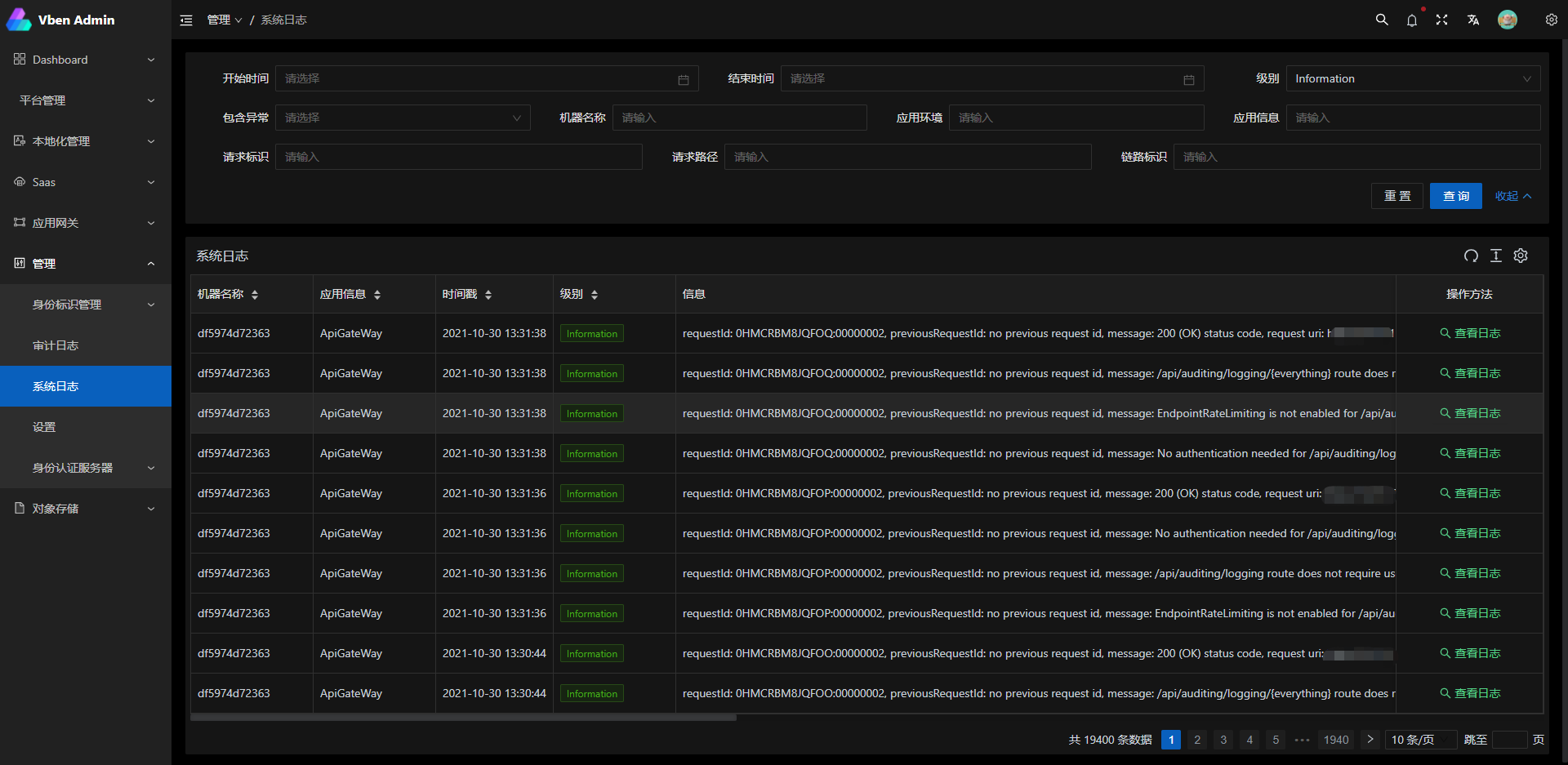
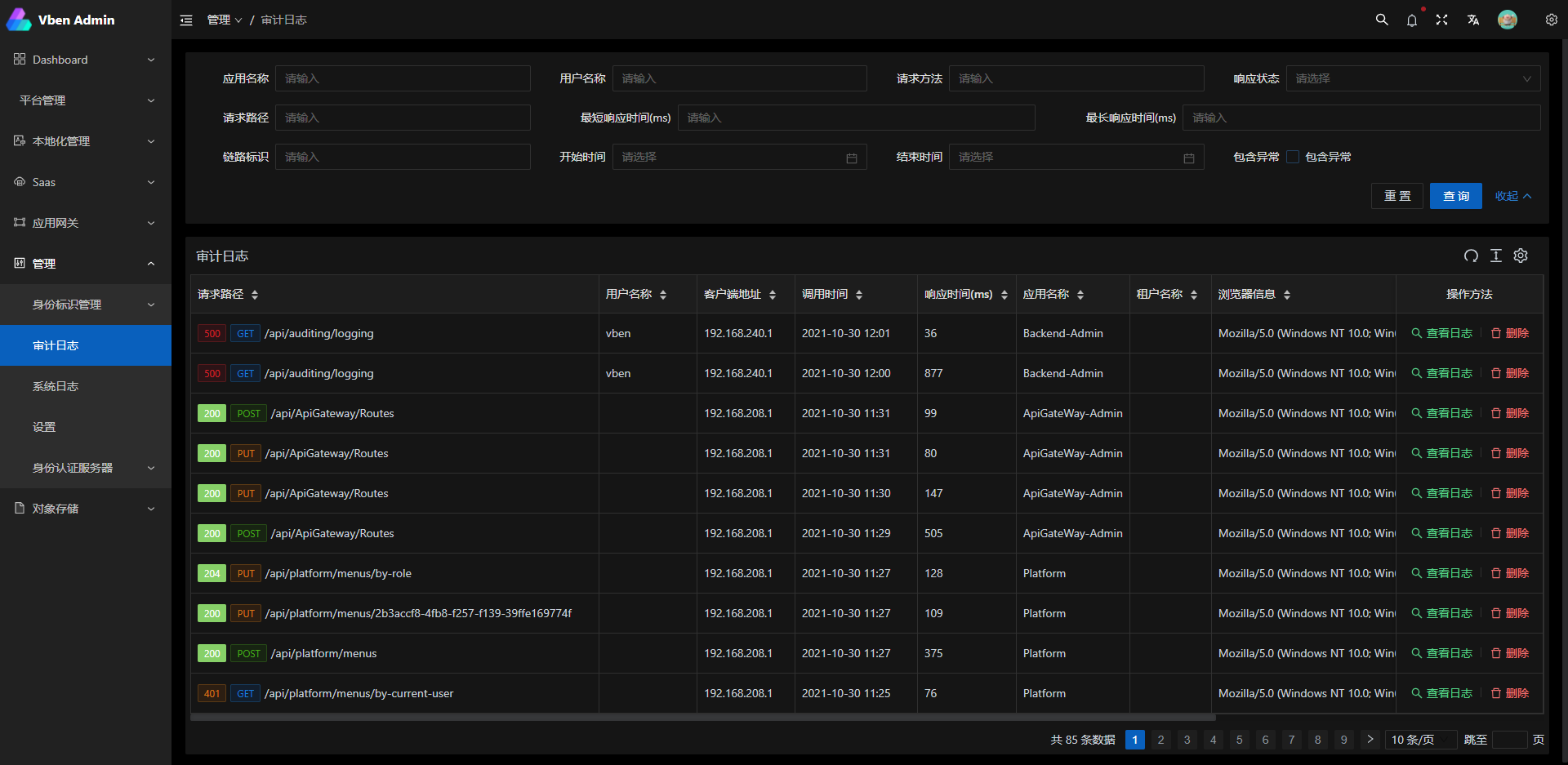
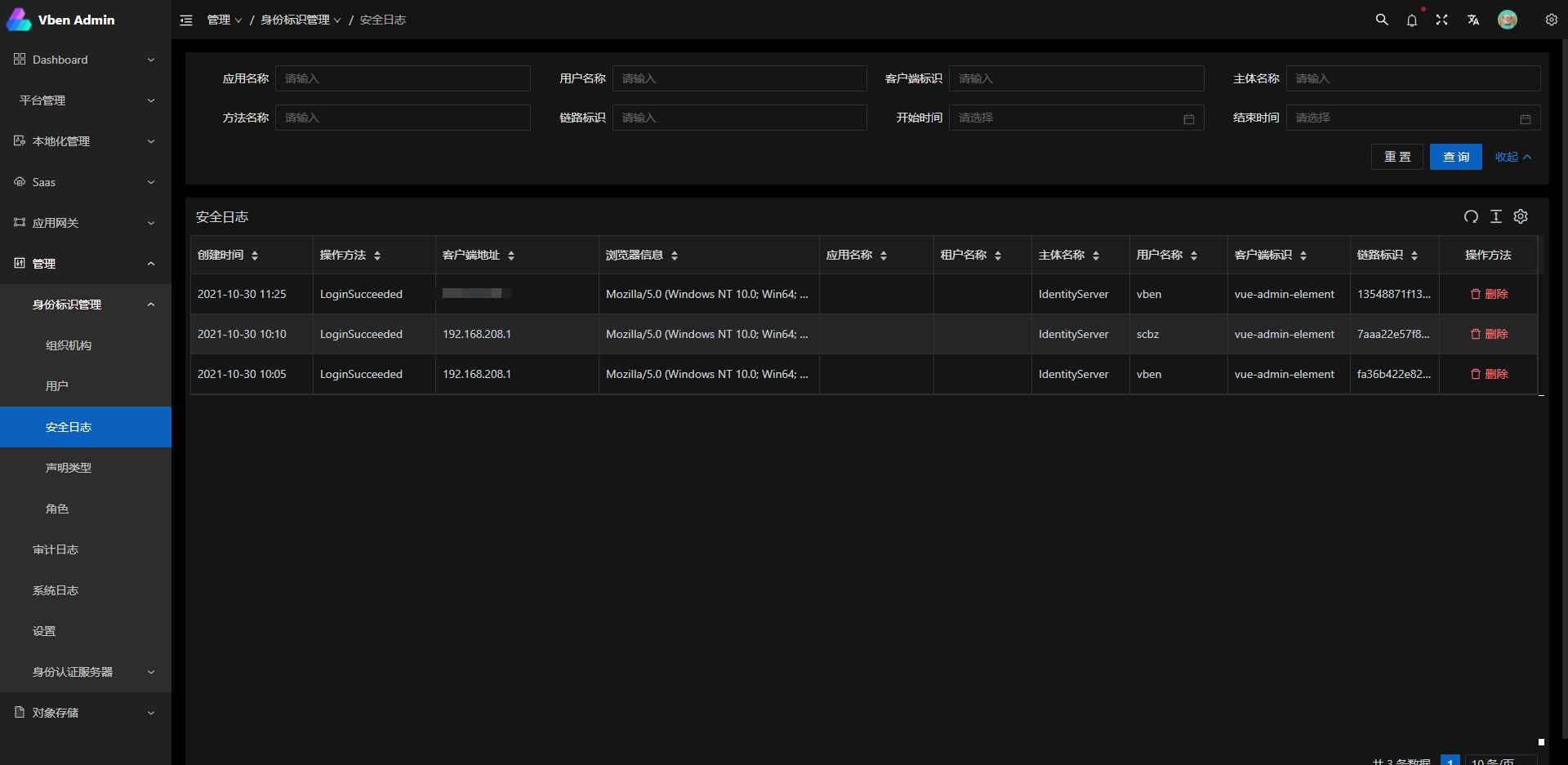
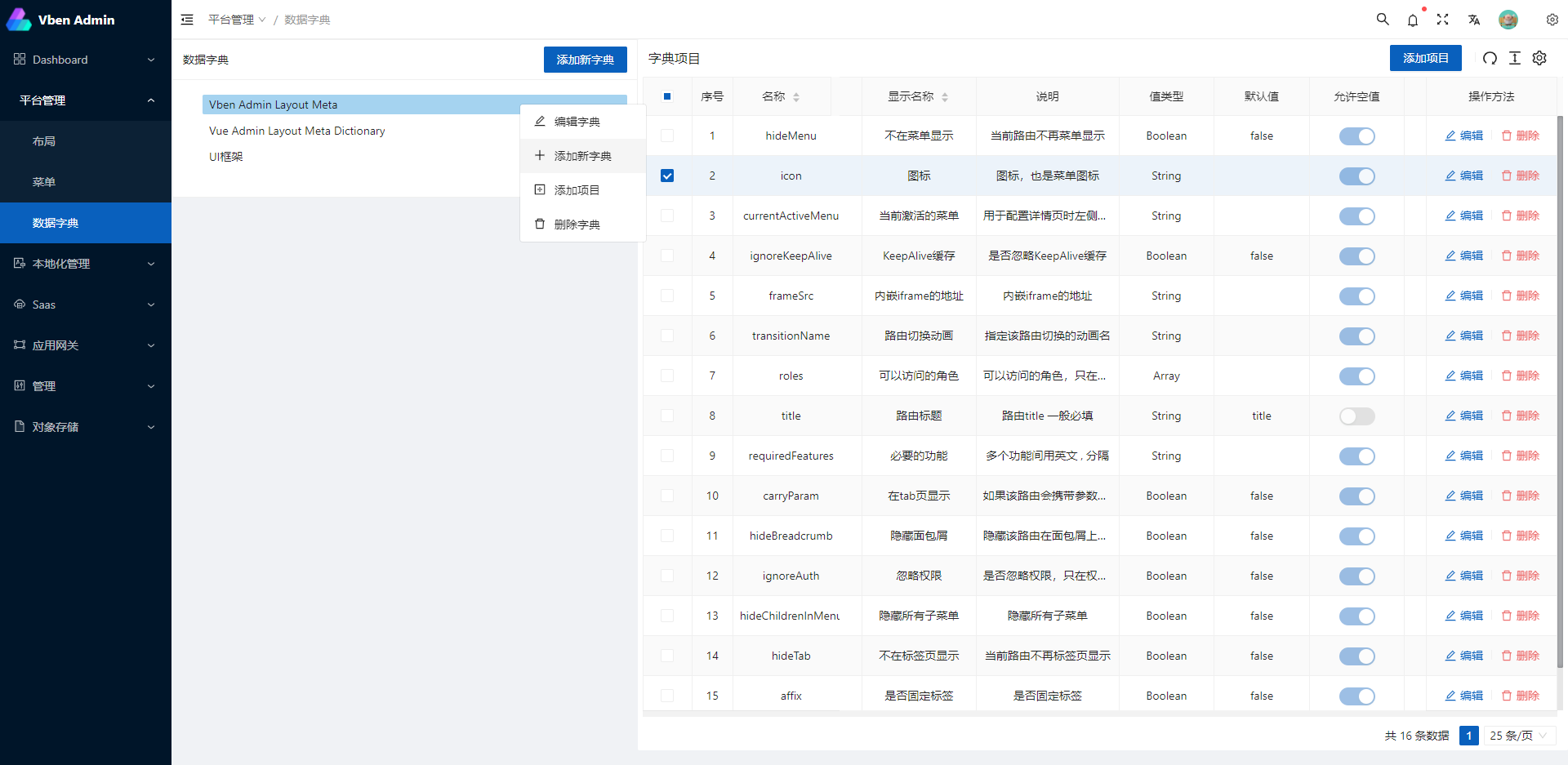
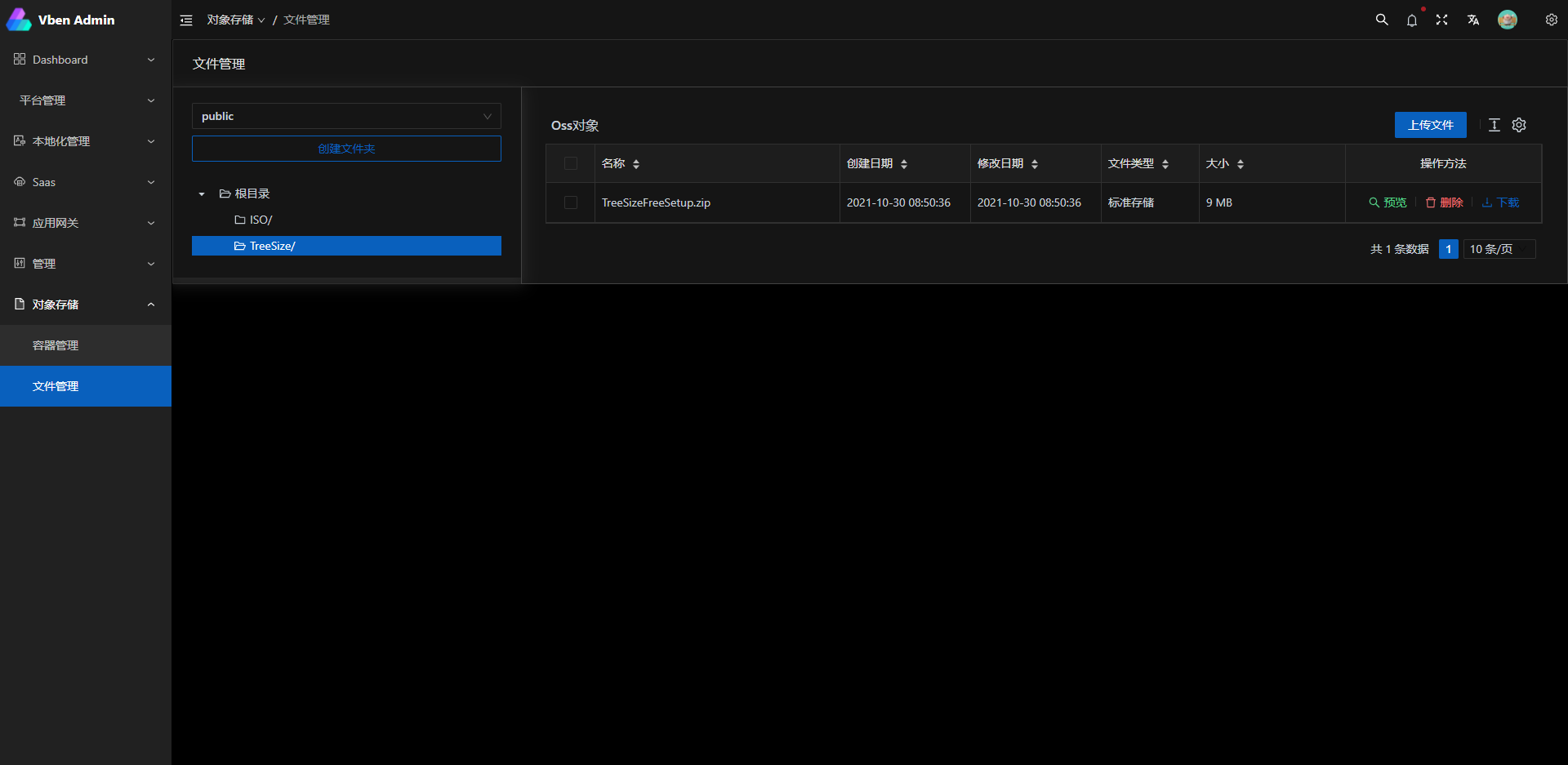
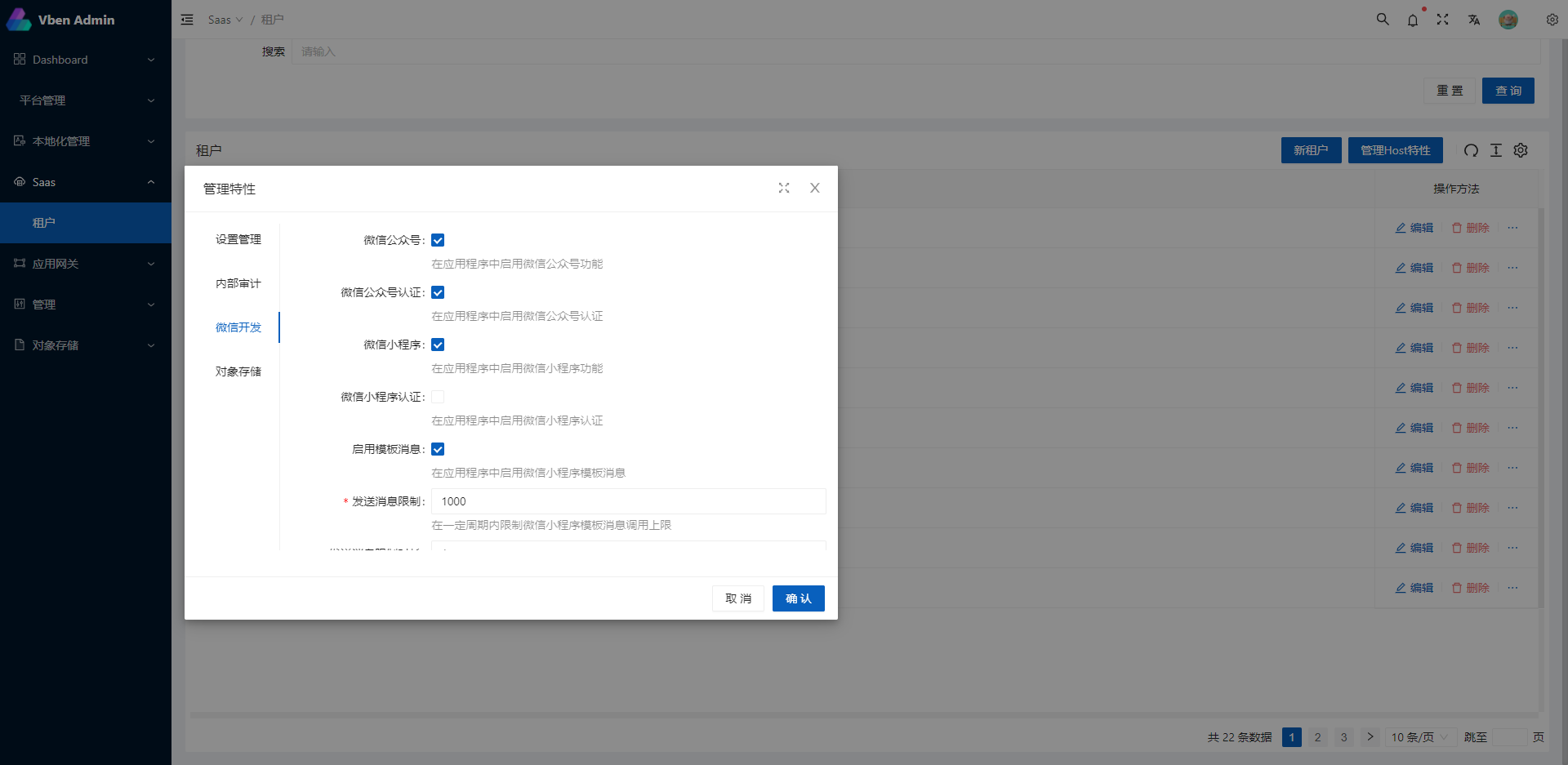
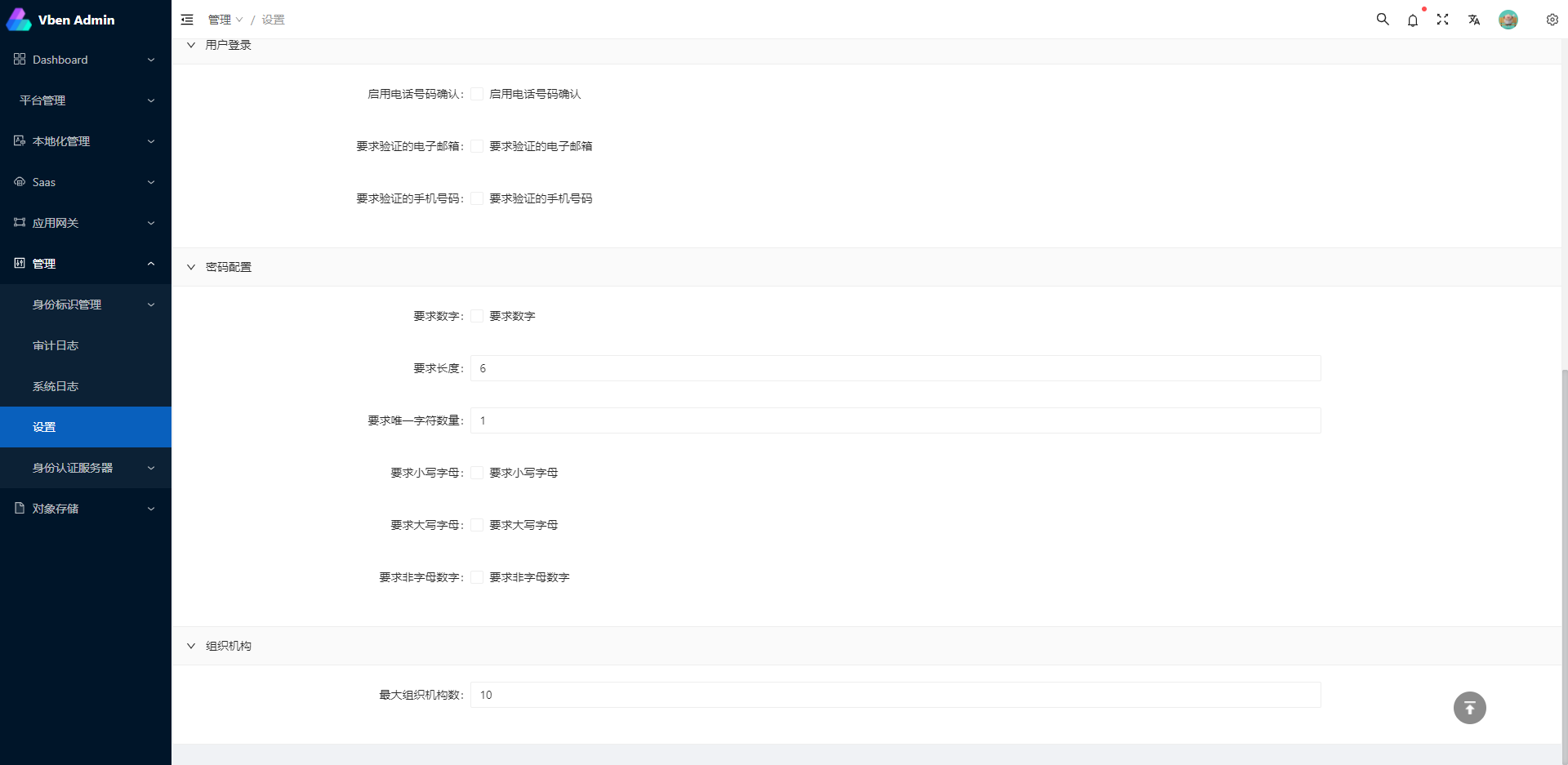
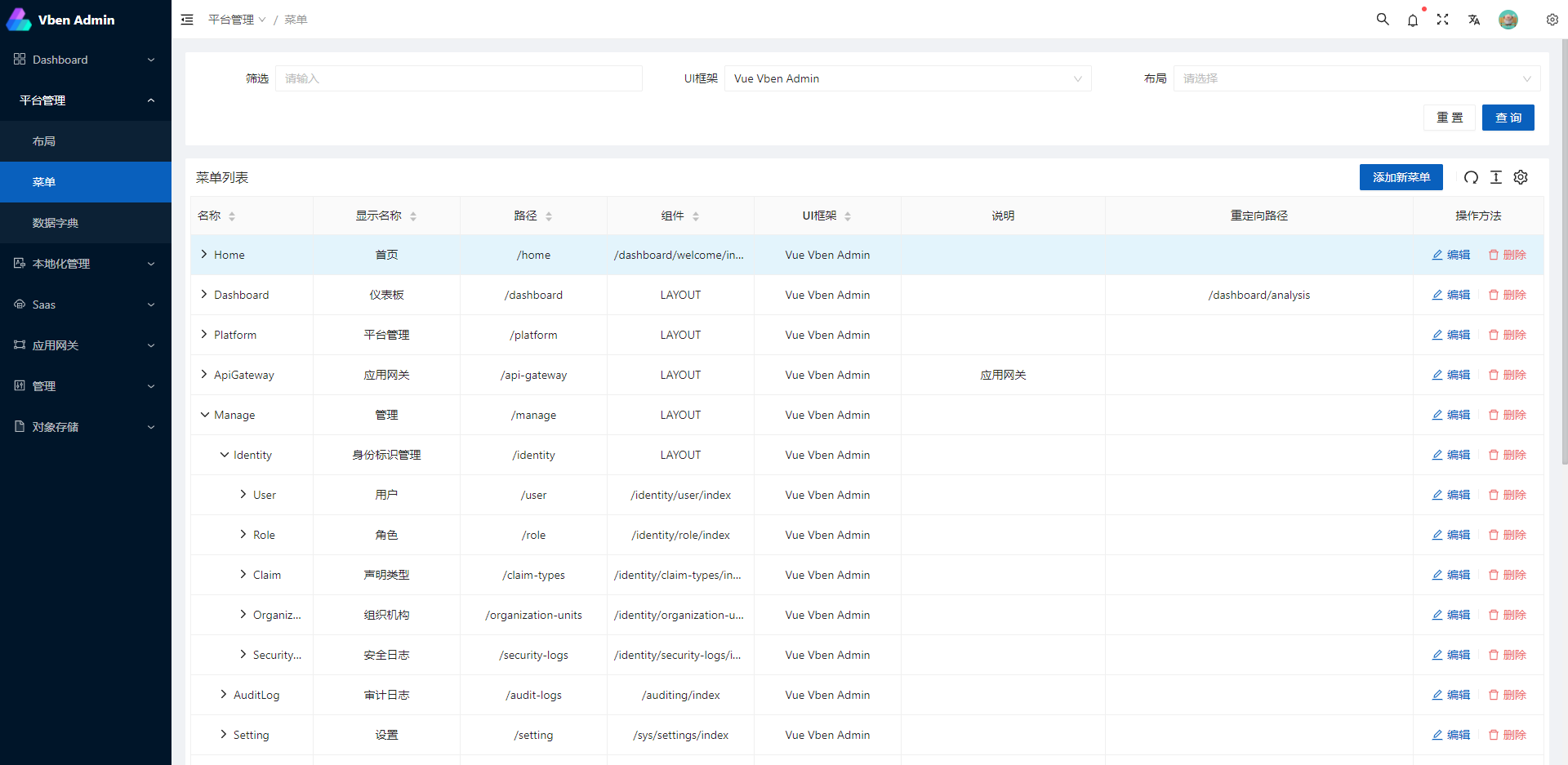
## Screenshots
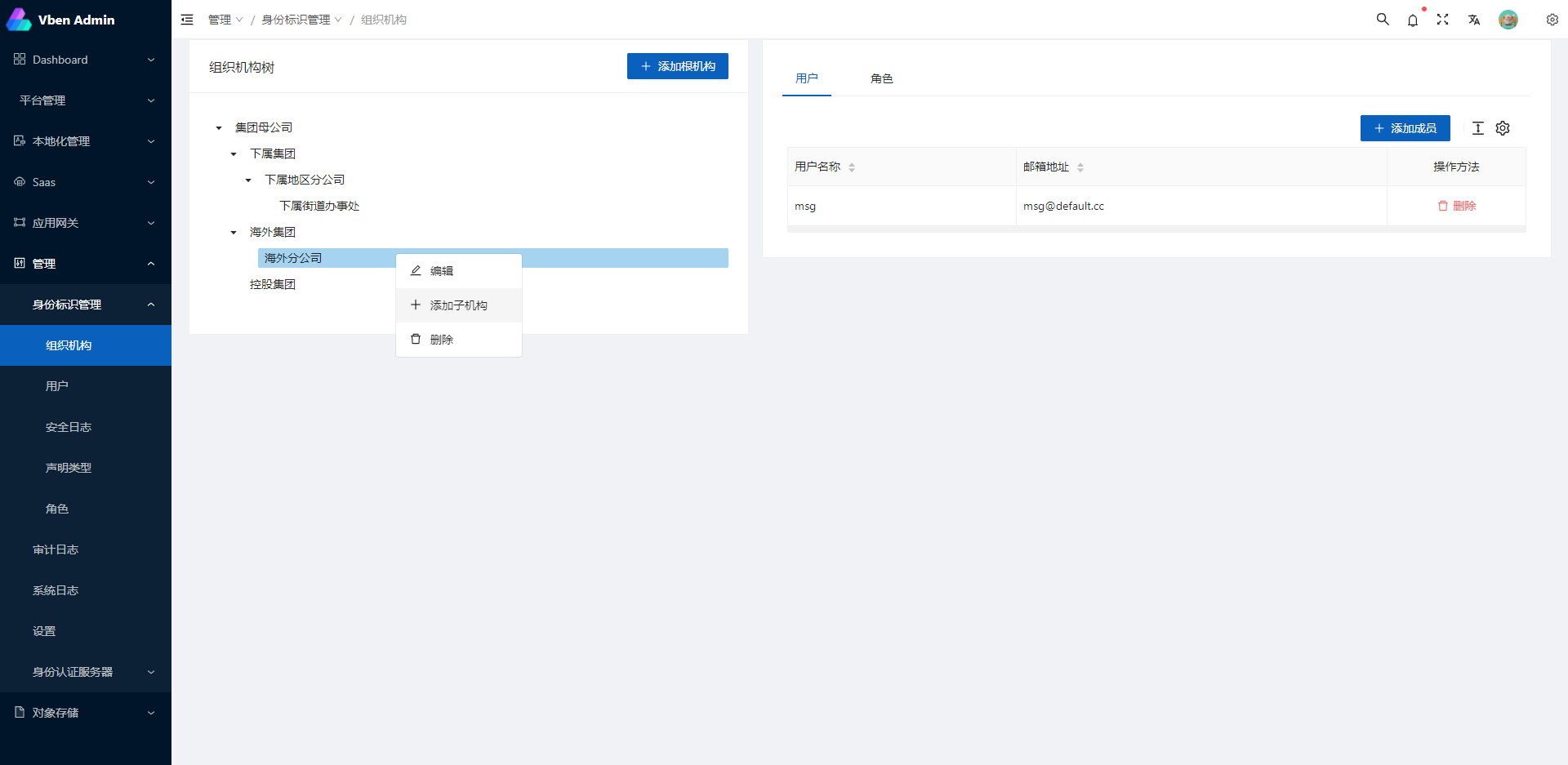
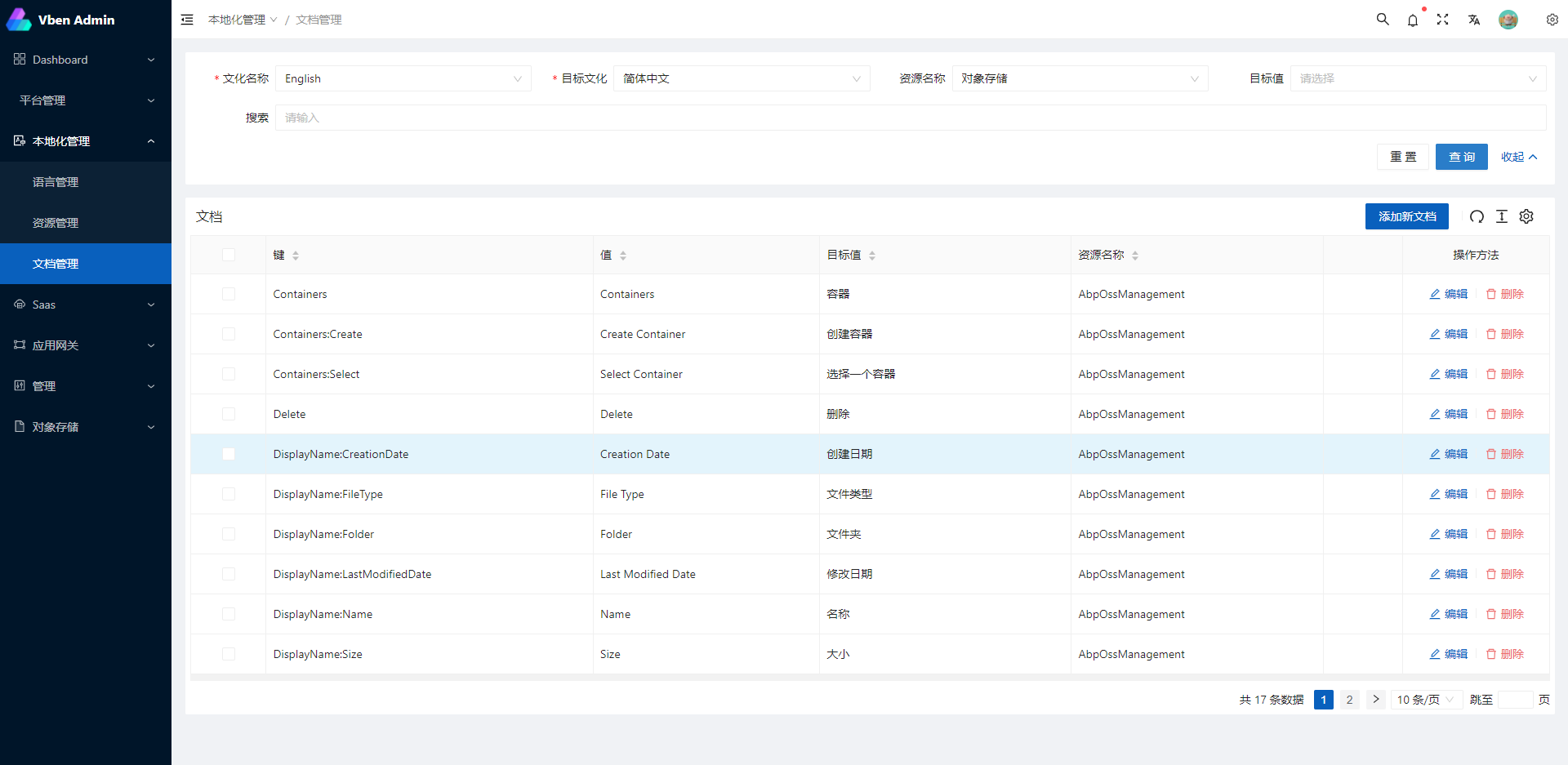
## Related Projects
[abpframework/abp](https://github.com/abpframework/abp) (abp vNext)
[EasyAbp/Cap](https://github.com/EasyAbp/Abp.EventBus.CAP) (EasyAbp)
Javascript version:
[vue-vben-admin](https://github.com/anncwb/vue-vben-admin.git) (vue-vben-admin)
## Preparation
- [node](http://nodejs.org/) and [git](https://git-scm.com/) - Project development environment
- [Vite](https://vitejs.dev/) - Familiar with vite features
- [Vue3](https://v3.vuejs.org/) - Familiar with Vue basic syntax
- [TypeScript](https://www.typescriptlang.org/) - Familiar with the basic syntax of `TypeScript`
- [Es6+](http://es6.ruanyifeng.com/) - Familiar with es6 basic syntax
- [Vue-Router-Next](https://next.router.vuejs.org/) - Familiar with the basic use of vue-router
- [Ant-Design-Vue](https://2x.antdv.com/docs/vue/introduce-cn/) - ui basic use
- [Mock.js](https://github.com/nuysoft/Mock) - mockjs basic syntax
## Project Structure
```bash
├── mock/ # mock server & mock data
├── public # public static assets (directly copied)
│ │── favicon.ico # favicon
│ │── manifest.json # PWA config file
│ └── index.html # index.html template
├── src # main source code
│ ├── api # api service
│ ├── assets # module assets like fonts, images (processed by webpack)
│ ├── components # global components
│ ├── directives # global directives
│ ├── enums # global enums
│ ├── hooks # global hooks
│ ├── locales # locales
│ ├── layout # layouts
│ ├── router # router
│ ├── settings # global settings
│ ├── store # store
│ ├── utils # global utils
│ ├── views # views
│ ├── App.vue # main app component
│ ├── main.ts # app entry file
├── types # types
├── tests/ # tests
├── .env.xxx # env variable configuration
├── .eslintrc.js # eslint config
├── jest.config.js # jest unit test config
├── package.json # package.json
├── postcss.config.js # postcss config
├── tsconfig.json # typescript config
└── vite.config.js # vue vite config
```
## Project setup
With [yarn](https://yarnpkg.com/lang/en/) or [npm](https://www.npmjs.com/get-npm)
#### Install dependencies
```bash
yarn install
```
### Custom vue project config
Modify the server address that the development environment will use for the proxy. Provide the following three addresses: IdentityService, IdentityServer, and ApiService
```bash
VITE_PROXY = [["/connect","http://127.0.0.1:44385"],["/api","http://127.0.0.1:30000"],["/signalr-hubs","ws://127.0.0.1:30000"]]
```
Modify the actual address of the production environment, as above
```bash
# STS Connect
# token issue
VITE_GLOB_AUTHORITY='http://127.0.0.1:44385'
# client id
VITE_GLOB_CLIENT_ID='vue-admin-element'
# client secret
VITE_GLOB_CLIENT_SECRET='1q2w3e*'
```
### EntityFramework migration
Please switch to the service project startup directory and execute the **dotnet EF ** command for database migration
example:
``` shell
cd aspnet-core/services/admin/LINGYUN.BackendAdminApp.Host
dotnet ef database update
```
- You can also use quick migration script files: **./build/build-aspnetcore-ef-update.ps1**
### Configure the RabbitMQ
Therefore project design for the micro service architecture, with the method of distributed event, communication between project USES is [DotNetCore/CAP](https://github.com/dotnetcore/CAP)
The communication mode is **RabbitMQ Server**, so you need to install **RabbitMQ** in advance. Please refer to the official website for the specific installation mode
Then you need to change the **CAP:RabbitMQ** configuration in the configuration file to set it to your own defined configuration. The **rabbitmq_management** plug-in is recommended for quick management of **RabbitMQ**
### Compiles background services
```shell
cd aspnet-core/services
start-all-service.bat
```
#### Compiles and hot-reloads for development
```shell
cd apps/vue
yarn dev
```
#### Compiles and minifies for production
```bash
yarn run build
```
### About Docker container
**Step 1**: Building background services, powershell script: **./build/build-aspnetcore-release.ps1**, **Warning: after the release of service need configuration file: appsettings.Production.json**
**Step 2**: Build the front-end, **./build/build-vue-apps.ps1**
**Step 3**: Build after the release of the address of the default in **./aspnet-core/services/Publish**, change nginx proxy server address: **./client/docker/nginx/default.conf**
**Step 4**: Run command **sudo docker-compose down && sudo docker-compose -f docker-compose.yml -f docker-compose.override.yml up --build -d**
**Using A CI tool such as Jenkins is recommended to simplify this into a single step**
#### Lints and fixes files
```bash
yarn lint:eslint
```
#### Run your unit tests
```bash
yarn run test:unit
```
## How to contribute
You are very welcome to join!Raise an issue Or submit a Pull Request。
**Pull Request:**
1. Fork code!
2. Create your own branch: `git checkout -b feat/xxxx`
3. Submit your changes: `git commit -am 'feat(function): add xxxxx'`
4. Push your branch: `git push origin feat/xxxx`
5. submit`pull request`
## Git Contribution submission specification
- reference [vue](./apps/vue/.github/COMMIT_CONVENTION.md) specification ([Angular](https://github.com/conventional-changelog/conventional-changelog/tree/master/packages/conventional-changelog-angular))
- `feat` Add new features
- `fix` Fix the problem/BUG
- `style` The code style is related and does not affect the running result
- `perf` Optimization/performance improvement
- `refactor` Refactor
- `revert` Undo edit
- `test` Test related
- `docs` Documentation/notes
- `chore` Dependency update/scaffolding configuration modification etc.
- `workflow` Workflow improvements
- `ci` Continuous integration
- `types` Type definition file changes
- `wip` In development
## Related warehouse
If these plugins are helpful to you, you can give a star support
- [vite-plugin-mock](https://github.com/anncwb/vite-plugin-mock) - Used for local and development environment data mock
- [vite-plugin-html](https://github.com/anncwb/vite-plugin-html) - Used for html template conversion and compression
- [vite-plugin-style-import](https://github.com/anncwb/vite-plugin-style-import) - Used for component library style introduction on demand
- [vite-plugin-theme](https://github.com/anncwb/vite-plugin-theme) - Used for online switching of theme colors and other color-related configurations
- [vite-plugin-imagemin](https://github.com/anncwb/vite-plugin-imagemin) - Used to pack compressed image resources
- [vite-plugin-compression](https://github.com/anncwb/vite-plugin-compression) - Used to pack input .gz|.brotil files
- [vite-plugin-svg-icons](https://github.com/anncwb/vite-plugin-svg-icons) - Used to quickly generate svg sprite
## Browser support
The `Chrome 80+` browser is recommended for local development
Support modern browsers, not IE
| [ ](http://godban.github.io/browsers-support-badges/)IE | [](http://godban.github.io/browsers-support-badges/)Edge | [
 ](http://godban.github.io/browsers-support-badges/)Firefox | [
 ](http://godban.github.io/browsers-support-badges/)Chrome | [
 ](http://godban.github.io/browsers-support-badges/)Safari |
| :-: | :-: | :-: | :-: | :-: |
| not support | last 2 versions | last 2 versions | last 2 versions | last 2 versions |
## License
[MIT License](./LICENSE)
](http://godban.github.io/browsers-support-badges/)Safari |
| :-: | :-: | :-: | :-: | :-: |
| not support | last 2 versions | last 2 versions | last 2 versions | last 2 versions |
## License
[MIT License](./LICENSE)