
9.8 KiB
English | 简体中文
Overview
This is a vue-typescript-admin-template -based Abp framework background management interface
Documentation
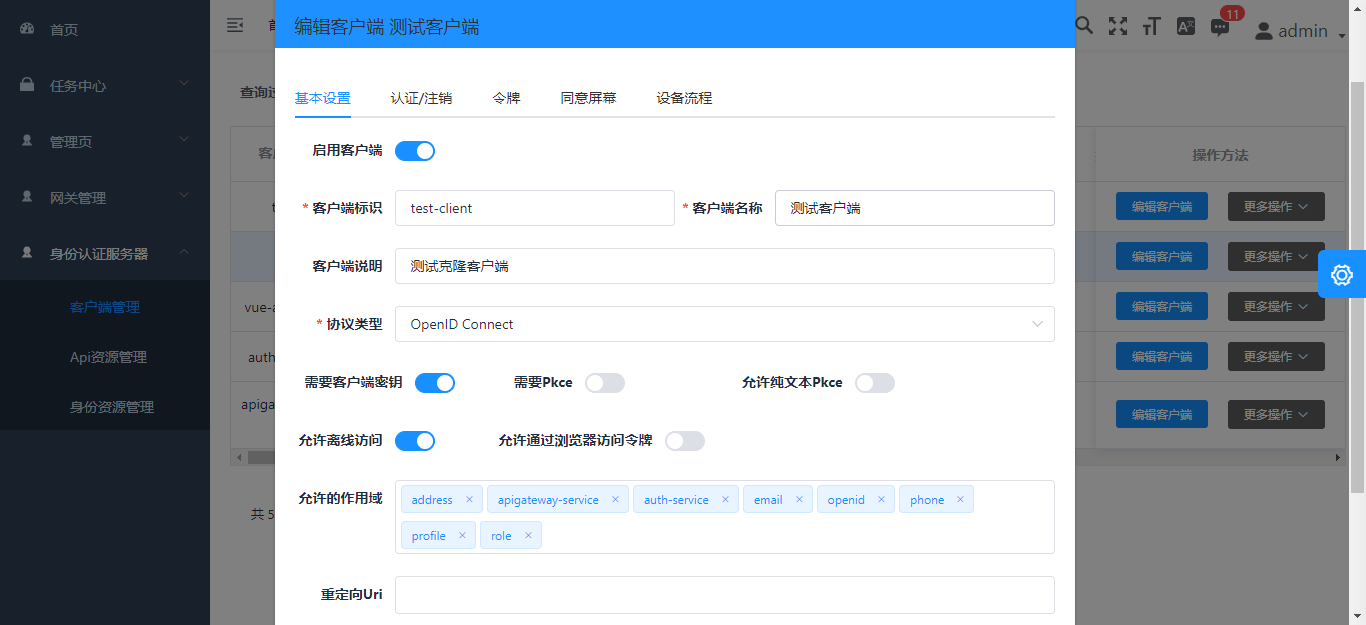
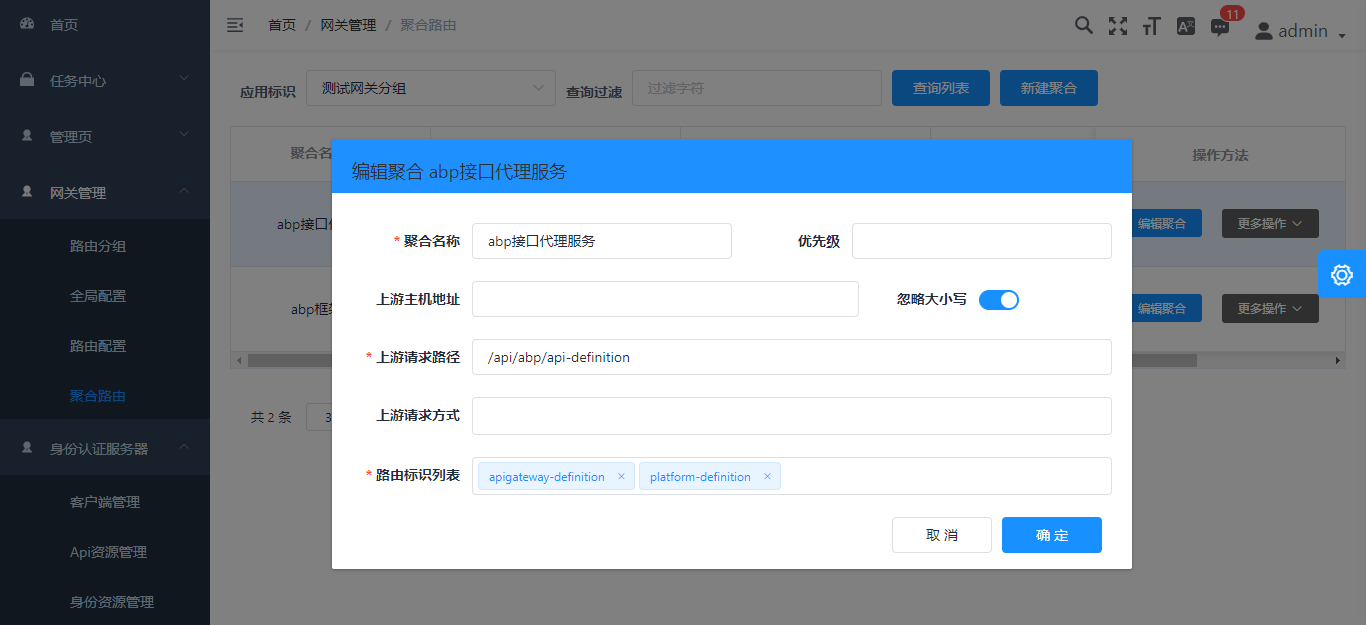
Screenshots
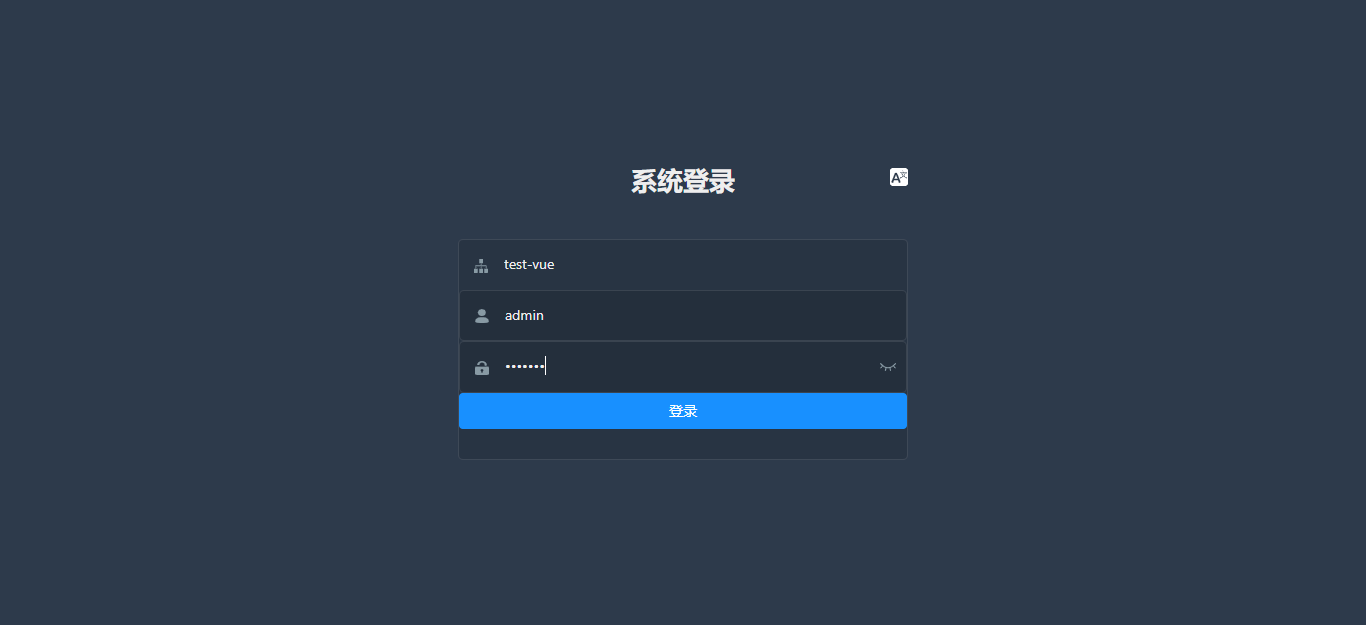
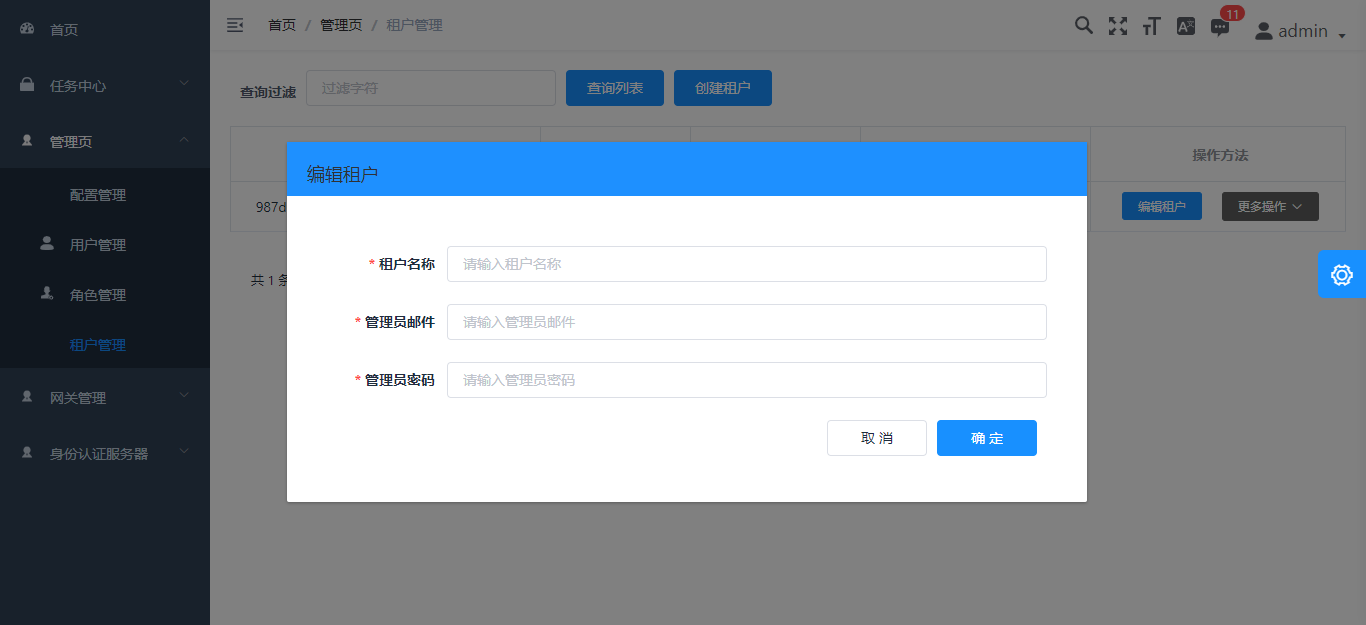
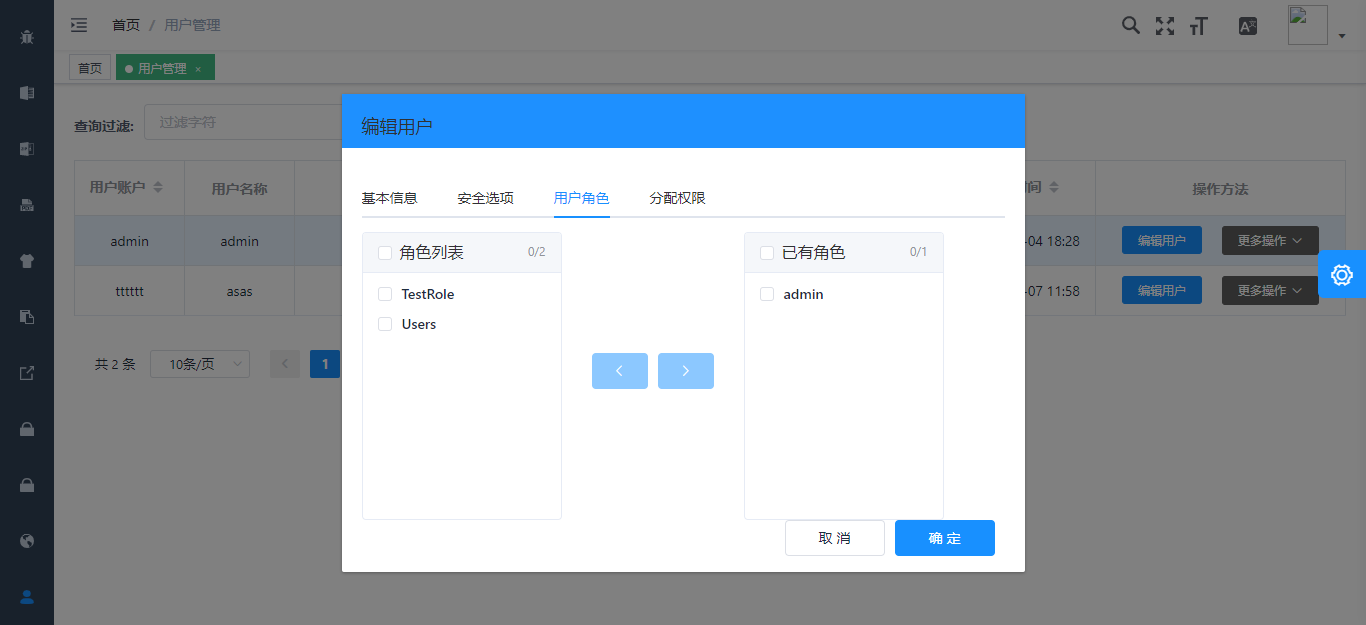
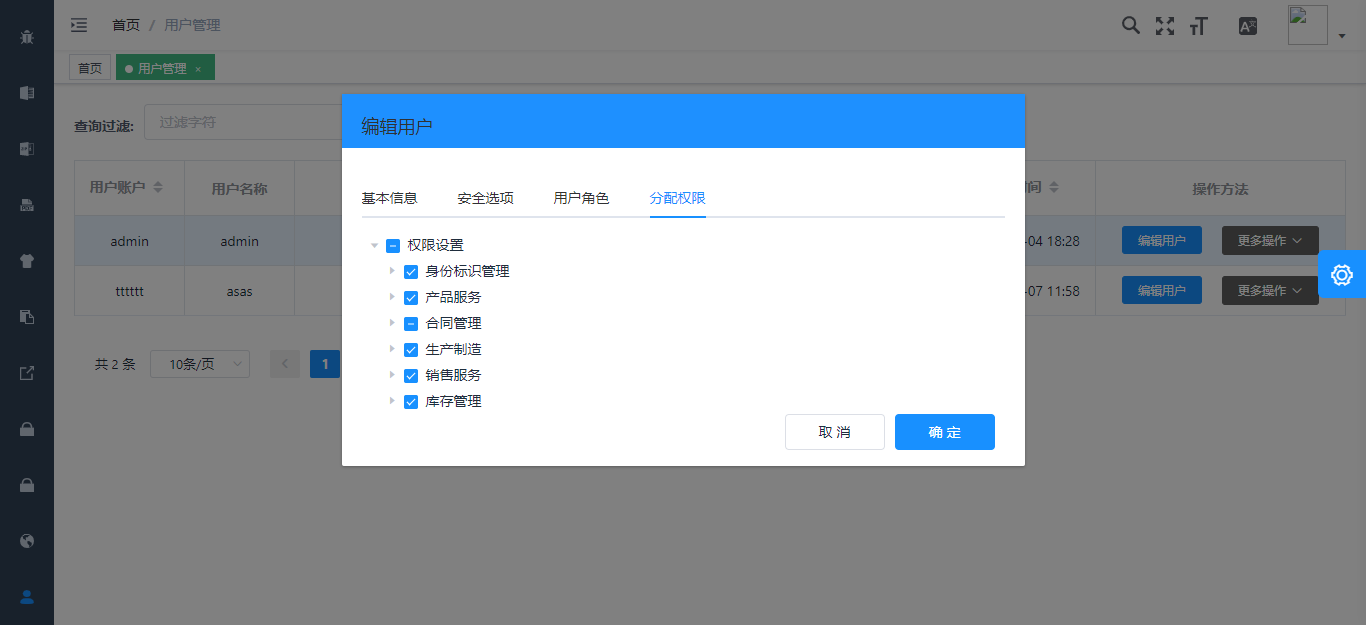

Related Projects
Armour/vue-typescript-admin-mock-server (mock server for this project)
Armour/vue-typescript-admin-docs (documentation source for this project)
Javascript version:
PanJiaChen/vue-admin-template (a vue2.0 minimal admin template)
PanJiaChen/vue-element-admin (full features supported vue admin)
PanJiaChen/electron-vue-admin (a vue electron admin project)
Features
- Login / Logout

- Permission Authentication
  - Page permission
  - Directive permission
  - Permission configuration page
  - Two-step login

- Multi-environment build
  - Dev / Stage / Prod

- Global Features
  - I18n
  - Dynamic themes
  - Dynamic sidebar (supports multi-level routing)
  - Dynamic breadcrumb
  - Tags-view (supports right-click operation)
  - Clipboard
  - Svg icons
  - Search
  - Screenfull
  - Settings
  - Mock data / Mock server
  - PWA support

- Components
  - Editors
    - Rich Text Editor
    - Markdown Editor
    - JSON Editor
  - Avatar Upload
  - Back To Top
  - CountTo
  - Dropzone
  - Draggable Dialog
  - Draggable Kanban
  - Draggable List
  - Draggable Select
  - ECharts
  - Mixin
  - SplitPane
  - Sticky

- Table
  - Dynamic Table
  - Draggable Table
  - Inline Edit Table
  - Complex Table

- Excel
  - Export Excel
  - Upload Excel
  - Excel Visualization

- Zip
  - Export zip

- PDF
  - Download pdf

- Dashboard
- Guide Page
- Advanced Example Page
- Error Log
- Error Page
  - 401
  - 404
Preparation
You need to install node and git locally. The project is based on typescript, vue, vuex, vue-router, vue-cli , axios and element-ui, Understanding and learning these knowledge in advance will greatly help you on using this project.
Project Structure
├── mock/                      # mock server & mock data
├── public                     # public static assets (directly copied)
│   │── favicon.ico            # favicon
│   │── manifest.json          # PWA config file
│   └── index.html             # index.html template
├── src                        # main source code
│   ├── api                    # api service
│   ├── assets                 # module assets like fonts, images (processed by webpack)
│   ├── components             # global components
│   ├── directives             # global directives
│   ├── filters                # global filter
│   ├── icons                  # svg icons
│   ├── lang                   # i18n language
│   ├── layout                 # global layout
│   ├── pwa                    # PWA service worker related files
│   ├── router                 # router
│   ├── store                  # store
│   ├── styles                 # global css
│   ├── utils                  # global utils
│   ├── views                  # views
│   ├── App.vue                # main app component
│   ├── main.ts                # app entry file
│   ├── permission.ts          # permission authentication
│   ├── settings.ts            # setting file
│   └── shims.d.ts             # type definition shims
├── tests/                     # tests
├── .circleci/                 # automated CI configuration
├── .browserslistrc            # browserslist config file (to support Autoprefixer)
├── .editorconfig              # editor code format consistency config
├── .env.xxx                   # env variable configuration
├── .eslintrc.js               # eslint config
├── babel.config.js            # babel config
├── cypress.json               # e2e test config
├── jest.config.js             # jest unit test config
├── package.json               # package.json
├── postcss.config.js          # postcss config
├── tsconfig.json              # typescript config
└── vue.config.js              # vue-cli config
Project setup
Install dependencies
yarn install
Custom vue project config
.env.Github.production 变更为 .env.production
vue.config.github.js 变更为 vue.config.js
Modify the server address that the development environment will use for the proxy. Provide the following three addresses: IdentityService, IdentityServer, and ApiService
    proxy: {
      [process.env.VUE_APP_BASE_IDENTITY_SERVER]: {
        target: 'your identityService address',
        changeOrigin: true,
        pathRewrite: {
          ['^' + process.env.VUE_APP_BASE_IDENTITY_SERVER]: ''
        }
      },
      [process.env.VUE_APP_BASE_IDENTITY_SERVICE]: {
        target: 'your identityServer address',
        changeOrigin: true,
        pathRewrite: {
          ['^' + process.env.VUE_APP_BASE_IDENTITY_SERVICE]: ''
        }
      },
      [process.env.VUE_APP_BASE_API]: {
        target: 'you api gateway address',
        changeOrigin: true,
        pathRewrite: {
          ['^' + process.env.VUE_APP_BASE_API]: ''
        }
      }
    }
Modify the actual address of the production environment, as above
# Base api
# Remeber to change this to your production server address
# Here I used my mock server for this project
# VUE_APP_BASE_API = 'https://vue-typescript-admin-mock-server.armour.now.sh/mock-api/v1/'

VUE_APP_BASE_API = 'your api gateway address'

VUE_APP_BASE_IDENTITY_SERVICE = 'your identityService address'

VUE_APP_BASE_IDENTITY_SERVER = 'your identityServer address'

# client id
VUE_APP_CLIENT_ID = 'vue-admin-element'
# client secret
VUE_APP_CLIENT_SECRET = '1q2w3e*'
EntityFramework migration
Please switch to the service project startup directory and execute the **dotnet EF ** command for database migration
example:
cd aspnet-core/services/admin/LINGYUN.BackendAdminApp.Host

dotnet ef database update
Initializes the apigateway database
In the 2020-08-05 16:25:00 submission, the apigateway-init.SQL file has been read and written to the DataSeeder type. Starting the gateway management project will automatically initialize the gateway data.
Make sure the aspnet-core/Database/apigateway-init.sql file exists
Configure the RabbitMQ
Therefore project design for the micro service architecture, with the method of distributed event, communication between project USES is DotNetCore/CAP
The communication mode is RabbitMQ Server, so you need to install RabbitMQ in advance. Please refer to the official website for the specific installation mode
Then you need to change the CAP:RabbitMQ configuration in the configuration file to set it to your own defined configuration. The rabbitmq_management plug-in is recommended for quick management of RabbitMQ
Compiles background services
cd aspnet-core/services

start-all-service.bat
Compiles and hot-reloads for development
cd vueJs

start-vue-admin.bat
Compiles and minifies for production
yarn run build:prod
Lints and fixes files
yarn run lint
Run your unit tests
yarn run test:unit
Run your end-to-end tests
yarn run test:e2e
Generate all svg components
yarn run svg
Customize Vue configuration
Browsers support
Modern browsers and Internet Explorer 10+.
 IE / Edge |
 Firefox |
 Chrome |
 Safari |
|---|---|---|---|
| IE10, IE11, Edge | last 2 versions | last 2 versions | last 2 versions |
Contributing
See CONTRIBUTING.md