
10 KiB
//[doc-seo]
{
    "Description": "Learn how to use ABP's URL-based localization to embed culture in the URL path, enabling SEO-friendly and shareable localized URLs."
}
URL-Based Localization
ABP supports embedding the current culture directly in the URL path, for example /tr/products or /en/about. This approach is widely used by documentation sites, e-commerce platforms, and any site that needs SEO-friendly, shareable localized URLs.
By default, ABP detects language from QueryString (?culture=tr), Cookie, and Accept-Language header. URL path detection is opt-in and fully backward-compatible.
Enabling URL-Based Localization
Configure the AbpRequestLocalizationOptions in your module class:
Configure<AbpRequestLocalizationOptions>(options =>
{
    options.UseRouteBasedCulture = true;
});
That's all you need. The framework automatically handles the rest.
What Happens Automatically
When you set UseRouteBasedCulture to true, ABP automatically registers the following:
RouteDataRequestCultureProvider— A built-in ASP.NET Core provider that reads{culture}from route data. ABP inserts it afterQueryStringRequestCultureProviderand beforeCookieRequestCultureProvider.{culture}/{controller}/{action}route — A conventional route for MVC controllers. The{culture}parameter uses a custom route constraint (AbpCultureRouteConstraint) that only matches culture values configured inAbpLocalizationOptions.Languages, so URLs like/enterprise/productsare not mistaken for culture-prefixed routes.AbpCultureRoutePagesConvention— AnIPageRouteModelConventionthat adds{culture}/...route selectors to all Razor Pages.AbpCultureRouteUrlHelperFactory— Replaces the defaultIUrlHelperFactoryto auto-inject culture intoUrl.Page()andUrl.Action()calls.AbpCultureMenuItemUrlProvider— Prepends the culture prefix to navigation menu item URLs (MVC / Blazor Server).AbpWasmCultureMenuItemUrlProvider— Prepends the culture prefix to menu item URLs in Blazor WebAssembly (reads theUseRouteBasedCultureflag from/api/abp/application-configuration).
You do not need to configure these individually.
URL Generation
When a request has a {culture} route value, all URL generation methods automatically include the culture prefix:
// In a Razor Page — culture is auto-injected, no manual parameter needed
@Url.Page("/About")         // Generates: /zh-Hans/About
@Url.Action("About", "Home") // Generates: /zh-Hans/Home/About
Menu items registered via IMenuContributor also automatically get the culture prefix. No changes are needed in your menu contributors or theme.
Language Switching
ABP's built-in language switcher (the /Abp/Languages/Switch action) automatically replaces the culture segment in the returnUrl. The controller reads the culture from the request cookie to identify the current page culture and replaces it with the new one:
| Before switching | After switching to English |
|---|---|
/tr/products |
/en/products |
/tenant-a/zh-Hans/about |
/tenant-a/en/about |
/home?culture=tr&ui-culture=tr |
/home?culture=en&ui-culture=en |
/about (no prefix) |
/about (unchanged) |
No changes are needed in any theme or language switcher component.
MVC / Razor Pages
MVC and Razor Pages have the most complete support. Everything works automatically when UseRouteBasedCulture = true — route registration, URL generation, menu links, and language switching. No code changes are needed in your pages or controllers.
Blazor Server
Blazor Server uses SignalR (WebSocket) for the interactive circuit. The HTTP middleware pipeline only runs on the initial page load — subsequent interactions happen over the WebSocket connection. ABP handles this by persisting the detected URL culture to a Cookie on the first request, so the entire Blazor circuit uses the correct language.
Culture detection, cookie persistence, menu URLs, and language switching all work automatically. No additional configuration is needed beyond the UseRouteBasedCulture option.
What requires manual changes
Blazor component routes: ASP.NET Core does not provide an IPageRouteModelConvention equivalent for Blazor components. You must manually add the {culture} route to each page:
@page "/"
@page "/{culture}"

@code {
    [Parameter]
    public string? Culture { get; set; }
}
@page "/About"
@page "/{culture}/About"

@code {
    [Parameter]
    public string? Culture { get; set; }
}
This applies to your own application pages. ABP built-in module pages (Identity, Tenant Management, Settings, Account, etc.) already include
@page "/{culture}/..."routes out of the box — you do not need to add them manually.
Blazor WebAssembly (WebApp)
Blazor WebAssembly (WASM) runs in the browser. On the first page load, the server renders the page via SSR, and the culture is detected from the URL. After WASM downloads, subsequent renders run in the browser. The WASM app fetches /api/abp/application-configuration from the server to get the current culture, so the culture stays consistent.
Culture detection, cookie persistence, menu URLs, and language switching all work automatically. The WASM client reads the UseRouteBasedCulture flag from the server via /api/abp/application-configuration, so no client-side configuration is needed.
What requires manual changes
Same as Blazor Server — you must manually add @page "/{culture}/..." routes to your Blazor pages.
Angular
The ABP Angular UI runs in the browser. The server still applies UseRouteBasedCulture; the client reads localization.useRouteBasedCulture from /api/abp/application-configuration (same payload as other UI types). There is no separate Angular setting.
Routing
Angular does not add a culture segment to your route config automatically. Use withOptionalRouteCulturePrefix from @abp/ng.core so one route tree matches both /identity/users and /en/identity/users (the first path segment is matched only when it looks like a culture code, e.g. en, tr, zh-Hans).
import { Routes } from '@angular/router';
import { withOptionalRouteCulturePrefix } from '@abp/ng.core';

const appRoutesCore: Routes = [
  // ... your routes (path: '', 'account', 'identity', lazy children, etc.)
];

export const appRoutes = withOptionalRouteCulturePrefix(appRoutesCore);

URL → session language
When useRouteBasedCulture is true, RouteBasedCultureService (from @abp/ng.core) keeps the session language aligned with the first URL segment after navigation. This runs during application bootstrap and on each NavigationEnd.
Menu links, breadcrumbs, and routerLink
Menu paths from RoutesService are usually without a culture prefix (/identity/users). Use the abpRouteCultureUrl pipe on routerLink (or RouteBasedCultureUrlService.prefixPathWithCulture) so links navigate to /en/identity/users when route-based culture is enabled. The Basic theme navigation and Theme Shared breadcrumb links follow this pattern.
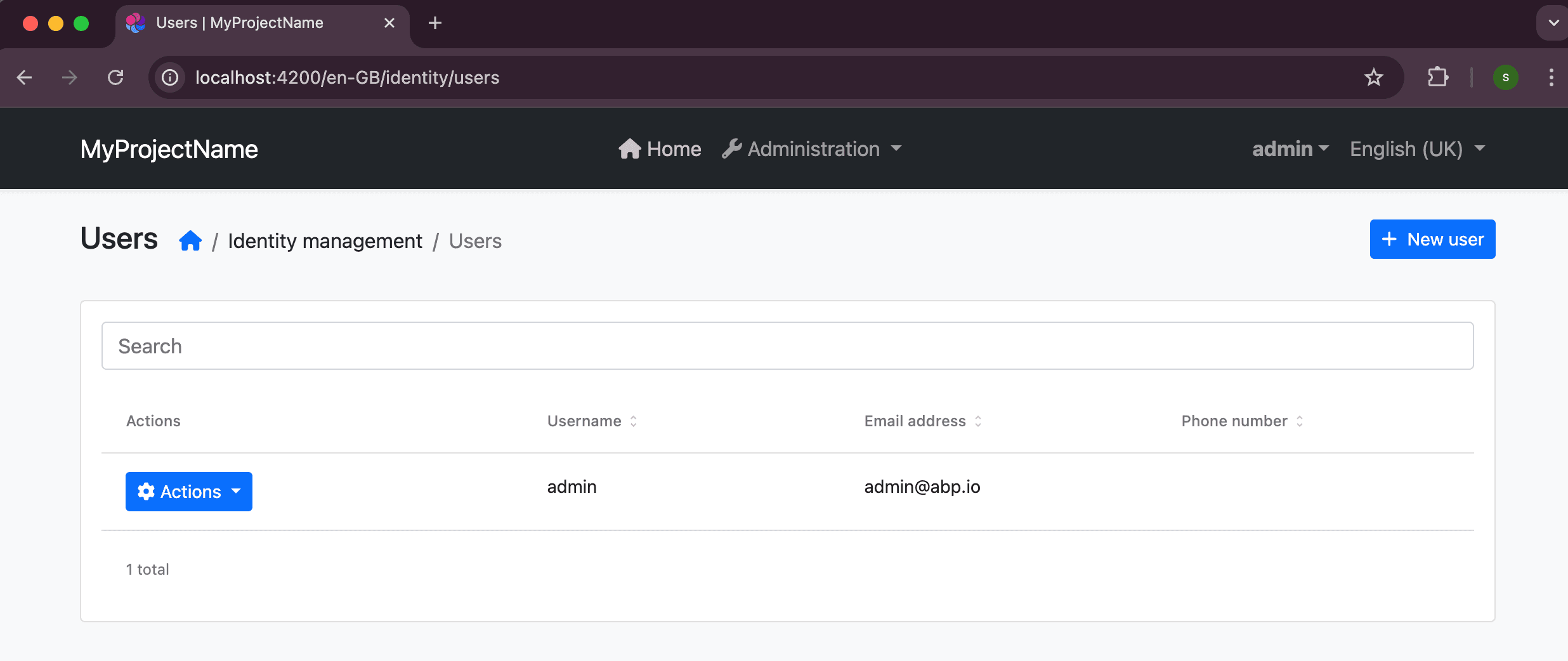
Language switcher (toolbar)
If the user selects a language in the UI, call RouteBasedCultureUrlService.applyLanguageSelection(cultureName) (or navigateToUrlWithCulture) instead of only updating the session language. That rewrites the current URL’s culture segment (or prepends it) so the address bar and session stay consistent; RouteBasedCultureService then picks up the culture from the URL after navigation.
Active menu, breadcrumbs, and route matching
The browser URL may be /en/identity/users while menu items and RoutesService paths stay /identity/users. For comparisons (active state, findRoute, permission guard, dynamic layout), normalize the current URL with RouteBasedCultureUrlService.normalizeForMenuMatch (or stripCulturePrefixIfEnabled) or use getRoutePathForMatching where getRoutePath was used.
Configuration refresh
RouteBasedCultureUrlService refreshes its cached useRouteBasedCulture and languages when application configuration is updated (for example after refreshAppState), so hot paths do not query configuration on every change detection cycle.
Multi-Tenancy Compatibility
URL-based localization is fully compatible with multi-tenancy URL routing. The culture route is registered as a conventional route {culture}/{controller}/{action}. If your application uses tenant routing (e.g., /{tenant}/...), the tenant middleware strips the tenant segment before routing, and the culture segment is handled separately.
Language switching also supports tenant-prefixed URLs. For example, /tenant-a/zh-Hans/About correctly switches to /tenant-a/en/About.
API Routes
Routes like /api/products have no {culture} segment, so RouteDataRequestCultureProvider returns null and falls through to the next provider (Cookie → Accept-Language → default). API routes are completely unaffected.
Culture Detection Priority
ASP.NET Core has a built-in RouteDataRequestCultureProvider (in Microsoft.AspNetCore.Localization.Routing) that reads culture from route data, but it is not included in the default provider list. When UseRouteBasedCulture is enabled, ABP inserts it after QueryStringRequestCultureProvider and before CookieRequestCultureProvider. The resulting provider order is:
QueryStringRequestCultureProvider(ASP.NET Core default — useful for debugging and testing)RouteDataRequestCultureProvider(URL path — inserted by ABP when enabled)CookieRequestCultureProvider(ASP.NET Core default)AcceptLanguageHeaderRequestCultureProvider(ASP.NET Core default)
If a URL contains an invalid culture code (e.g. /xyz1234/page), RequestLocalizationMiddleware ignores it and falls through to the next provider. No error is thrown.