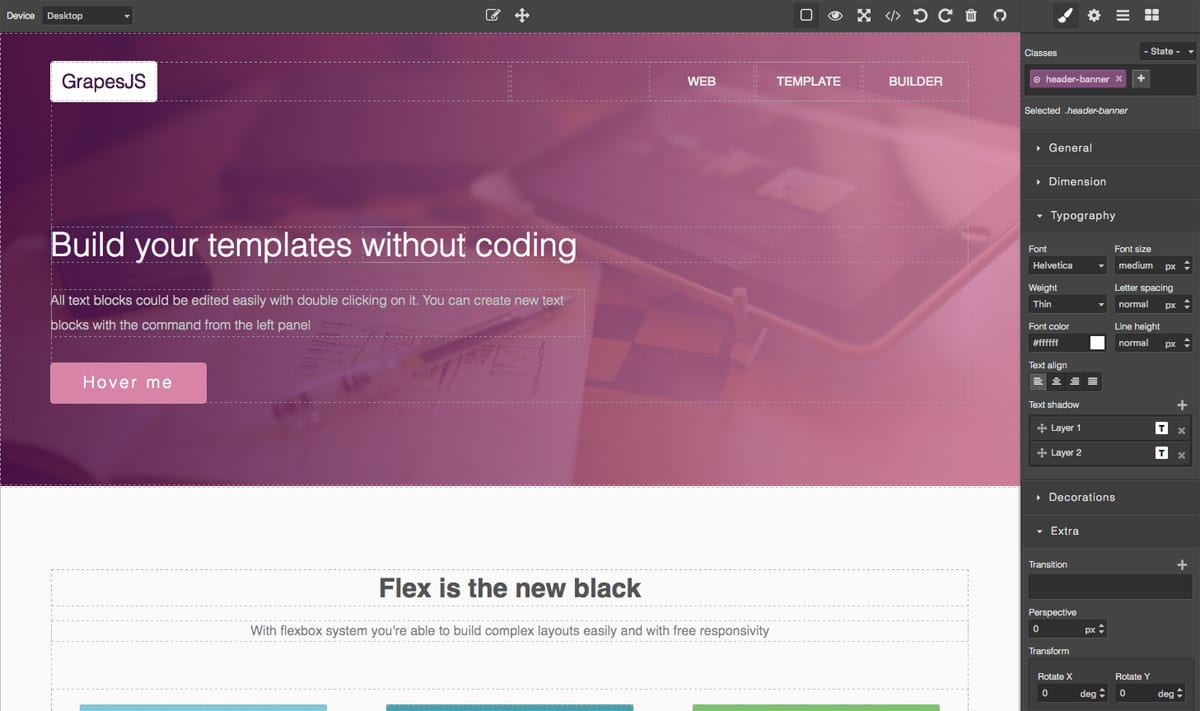
GrapesJS is a free and open source Web Builder Framework which helps you building HTML templates to be used inside sites, newsletters and mobile apps.
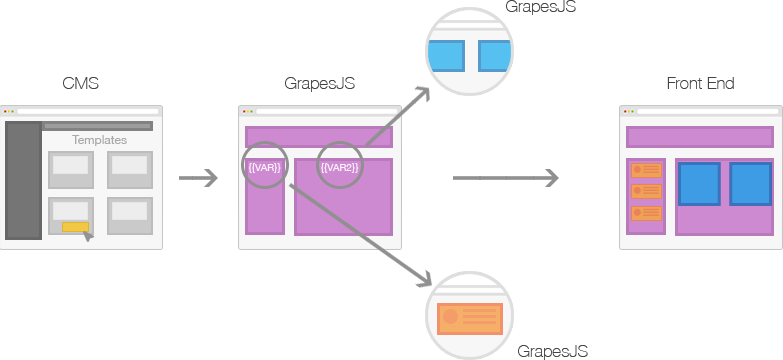
Mainly GrapesJS was designed to be used inside a [CMS] to speed up a creation of dynamic templates. To better understand this concept check the image below
Generally any 'template system', that you'd find in various applications like CMS, is composed by the **structure** (HTML), **style** (CSS) and **variables**, which are then replaced with other templates and contents on server-side and rendered on client.
This demos show examples of what is possible to achieve:
Webpage Demo - http://grapesjs.com/demo.html
Newsletter Demo - http://grapesjs.com/demo-newsletter-editor.html
## Features
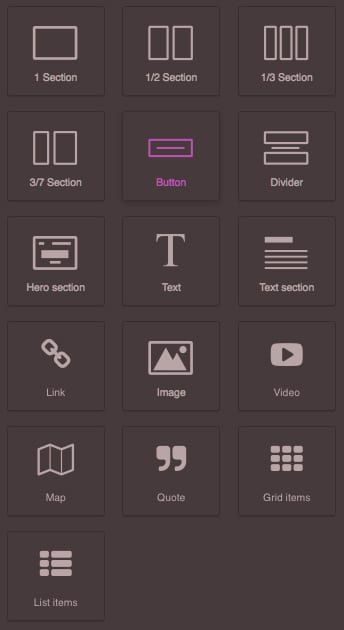
* Blocks
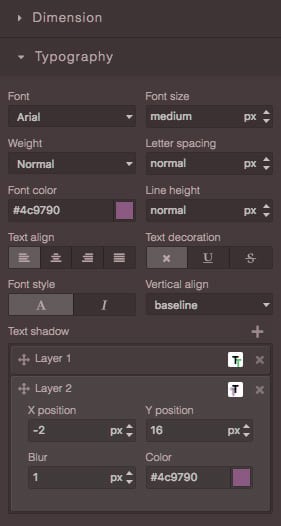
* Style Manager, for component styling
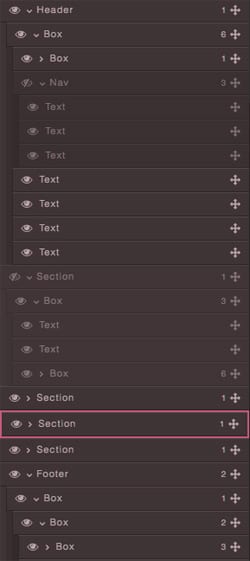
* Layer Manager, that comes handy with nested elements
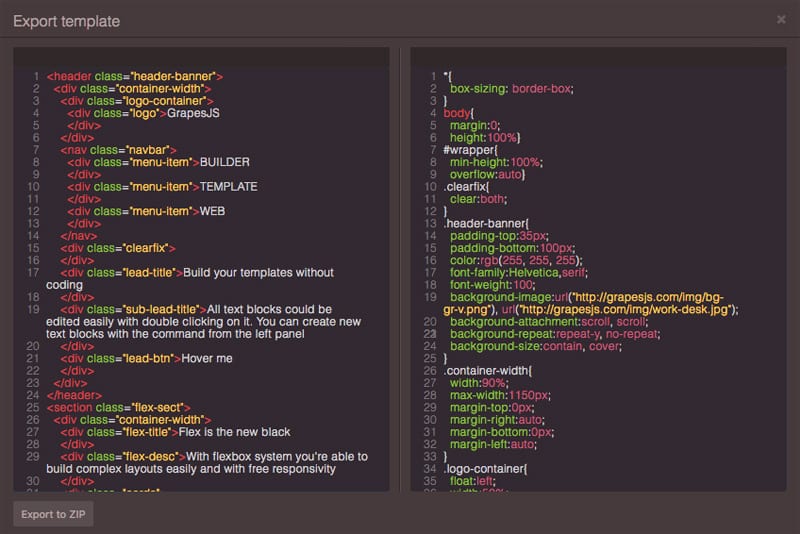
* Code Viewer
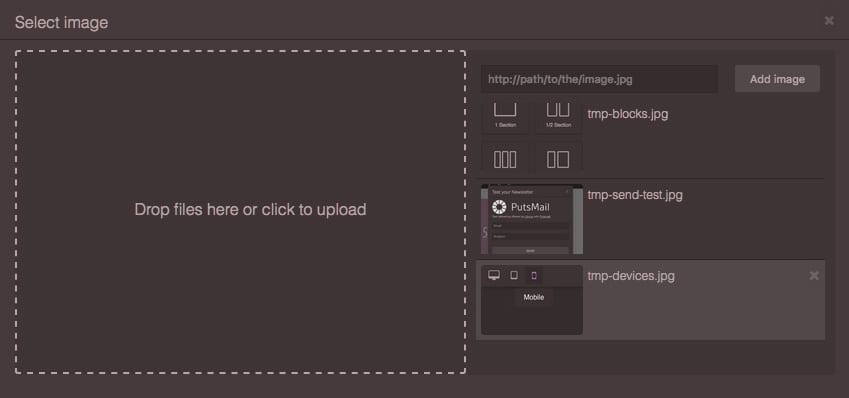
* Asset Manager, for uploading and managing images
* Local and remote storage
* Default built-in commands (basically for creating and managing different components)
## Installation
* `npm i grapesjs` / `yarn add grapesjs`
* `git clone https://github.com/artf/grapesjs.git`
For development purpose you should follow instructions below.
## Development
GrapesJS uses [Webpack2](https://github.com/webpack/webpack) as a module bundler and [Babel](https://github.com/babel/babel) as a compiler.
Clone the repository and install all the necessary dependencies
```sh
$ git clone https://github.com/artf/grapesjs.git
$ cd grapesjs
$ npm i
```
Start the dev server
```sh
$ npm start
```
Build before the commit. This will also increase the patch level version of the package
```sh
$ npm run build
```
## Usage
JQuery is the only hard dependency so you have to include it before using GrapesJS
```html
```
After that include scripts from GrapesJS with all your configurations
```html
```
You could also grab the content directly from the element with `fromElement` property
```html
Hello world!
```
For more practical example I suggest to look up the code inside this demo: http://grapesjs.com/demo.html
## Documentation
Check the getting started guide here: [wiki]
## API
API References could be found here: [API-Reference]
## Testing
```sh
$ npm test
```
## Sponsors
The project is sponsored by
[](https://sendloop.com)
## Support
If you like the project support it with a donation of your choice or become a backer/sponsor via [Open Collective](https://opencollective.com/grapesjs)
[](https://paypal.me/grapesjs)
## License
BSD 3-clause
[wiki]:
[API-Reference]:
[CMS]: