Yağmur Çelik
bbbb5d88db
Yağmur Çelik
bbbb5d88db
|
3 months ago | |
|---|---|---|
| .github/workflows | 5 years ago | |
| .vscode | 6 years ago | |
| etc | 4 months ago | |
| modules/payment | 4 months ago | |
| scripts | 4 months ago | |
| src | 3 months ago | |
| test | 4 months ago | |
| .dockerignore | 6 years ago | |
| .gitattributes | 6 years ago | |
| .gitignore | 1 year ago | |
| .prettierrc | 6 years ago | |
| EventHub.abpmdl | 1 year ago | |
| EventHub.abpsln | 4 months ago | |
| EventHub.sln | 3 months ago | |
| EventHub.sln.DotSettings | 6 years ago | |
| LICENSE | 5 years ago | |
| NuGet.Config | 6 years ago | |
| README.md | 4 months ago | |
| common.props | 6 years ago | |
| delete-bin-obj-folders.js | 5 years ago | |
| global.json | 4 months ago | |
| tye.yaml | 5 years ago | |
README.md
EventHub

This is a reference application built with the ABP Framework v10.4.1. It implements Domain Driven Design with multiple application layers, separate public/admin hosts, an IdentityServer host, PostgreSQL-backed EF Core migrations, background services, and a custom payment module.
The book
This solution is originally prepared to be a real-world example for the Mastering ABP Framework book.
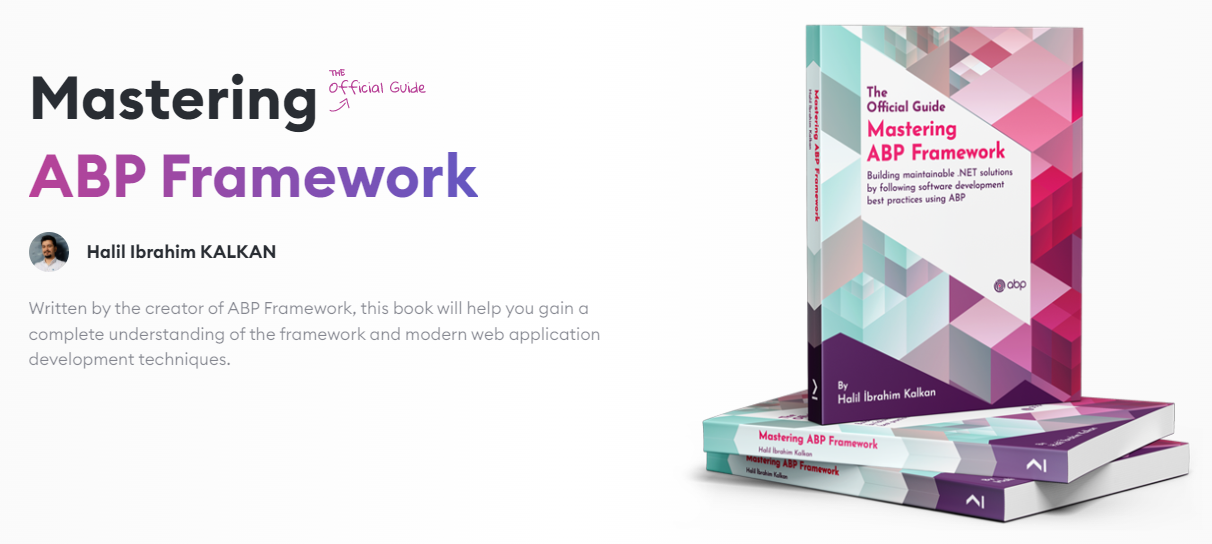
The book is the only source that explains this solution. This solution is highly referred in Understanding the Reference Solution, Domain Driven Design and other parts of the book.
You can order the book on Amazon or on Packt's website.
Requirements
- .NET 10.0
- Docker
- ABP CLI for client-side library restoration
- ABP Studio if you want to use the Solution Runner and initial tasks
How to run
Initial tasks in ABP Studio
Open EventHub.abpsln in ABP Studio and use the Default run profile. The profile defines these tasks in etc/abp-studio/run-profiles/Default.abprun.json:
- Initialize Solution: Runs once per computer when the solution is initialized. It starts PostgreSQL/Redis containers, runs
abp install-libs, and executes the DbMigrator. - Start Infrastructure: Starts the PostgreSQL and Redis containers.
- Install Client-Side Libraries: Runs
abp install-libs. - Migrate Database: Runs
EventHub.DbMigratorto apply EF Core migrations and seed initial data.
After the initial task completes, start the applications from ABP Studio's Solution Runner:
EventHub.IdentityServerEventHub.HttpApi.HostEventHub.WebEventHub.Admin.HttpApi.HostEventHub.Admin.Web
Manual startup
From the solution root, you can run the same setup script used by ABP Studio:
./scripts/initialize-solution.ps1
Or run the steps manually:
./etc/docker/up.ps1
abp install-libs
dotnet run --project src/EventHub.DbMigrator/EventHub.DbMigrator.csproj
dotnet build /graphBuild
Then run the application projects in this order:
dotnet run --project src/EventHub.IdentityServer/EventHub.IdentityServer.csproj
dotnet run --project src/EventHub.HttpApi.Host/EventHub.HttpApi.Host.csproj
dotnet run --project src/EventHub.Web/EventHub.Web.csproj
dotnet run --project src/EventHub.Admin.HttpApi.Host/EventHub.Admin.HttpApi.Host.csproj
dotnet run --project src/EventHub.Admin.Web/EventHub.Admin.Web.csproj
admin user's password is 1q2w3E*
Solution structure
src/EventHub.IdentityServer: Authentication host.src/EventHub.HttpApi.Host: Public HTTP API host.src/EventHub.Web: Public MVC/Razor Pages web application.src/EventHub.Admin.HttpApi.Host: Admin HTTP API host.src/EventHub.Admin.Web: Admin Blazor WebAssembly application.src/EventHub.DbMigrator: Console application that applies EF Core migrations and seeds data.src/EventHub.BackgroundServices: Background worker host.modules/payment: Custom payment module used by EventHub.
ABP documentation
- ABP Studio Solution Runner
- ABP CLI install-libs
- Layered Solution DbMigrator
- MVC / Razor Pages UI
- Blazor UI
- Entity Framework Core integration
See live
See the solution live on https://openeventhub.com
Screenshots
Public Web Side - (MVC/Razor Page UI)
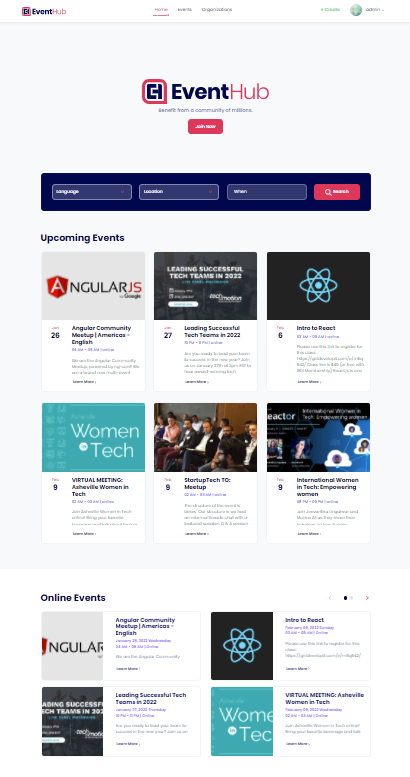
Home Page
Event Creation Page
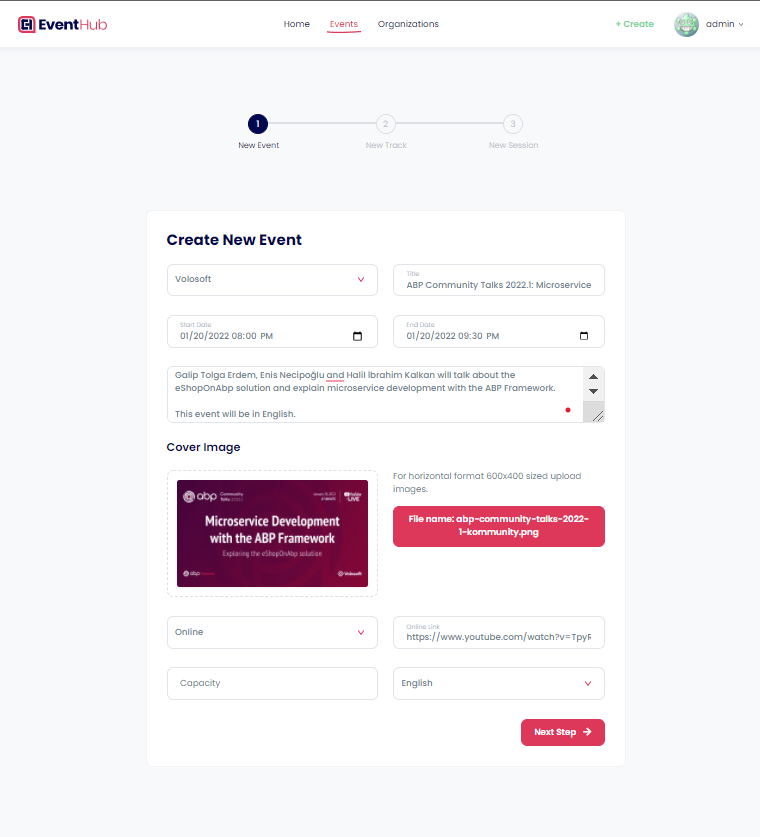
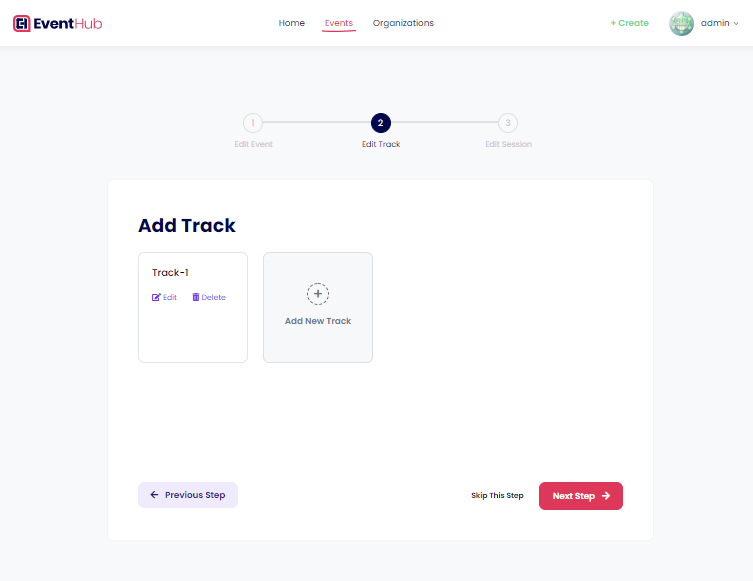
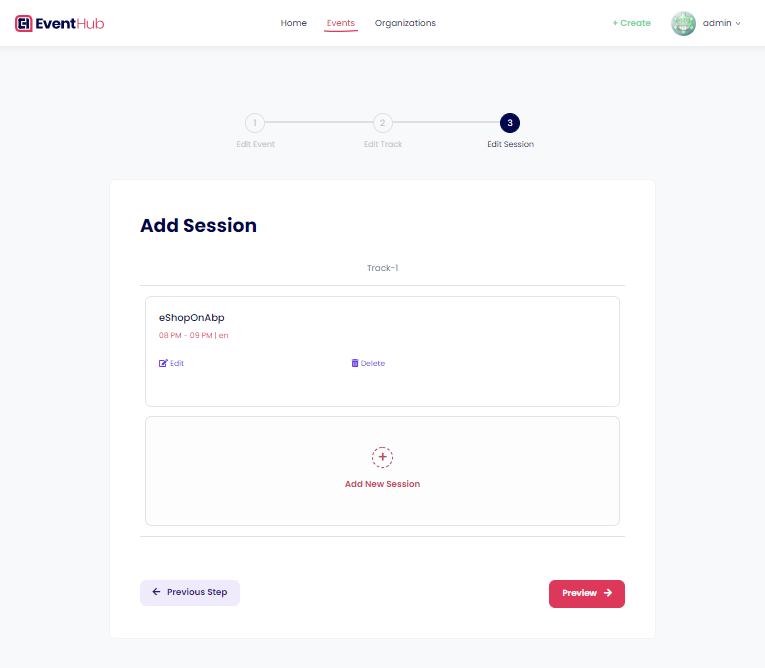
The event creation process consists of three steps: "Create a New Event", "Add Tracks to the Event (optional)" and "Add Sessions to the Tracks (optional)".
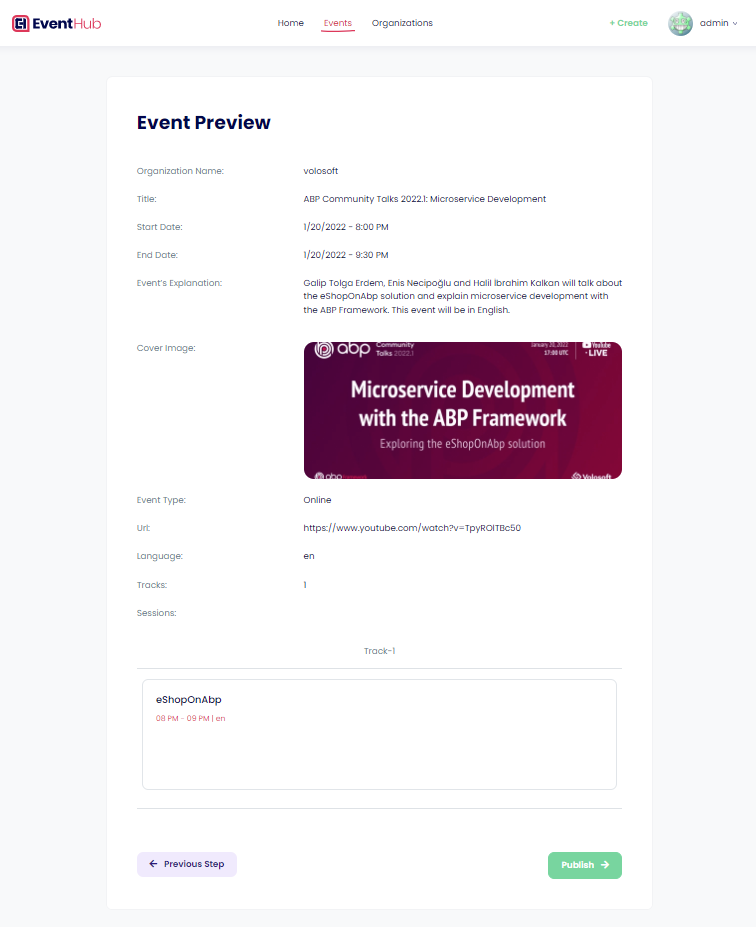
- After these steps, an "Event Preview" page is shown to the user to check the event details and publish the event.
Create a New Event
Add Tracks to the Event (optional)
Add Sessions to the Tracks (optional)
New Event Preview Page
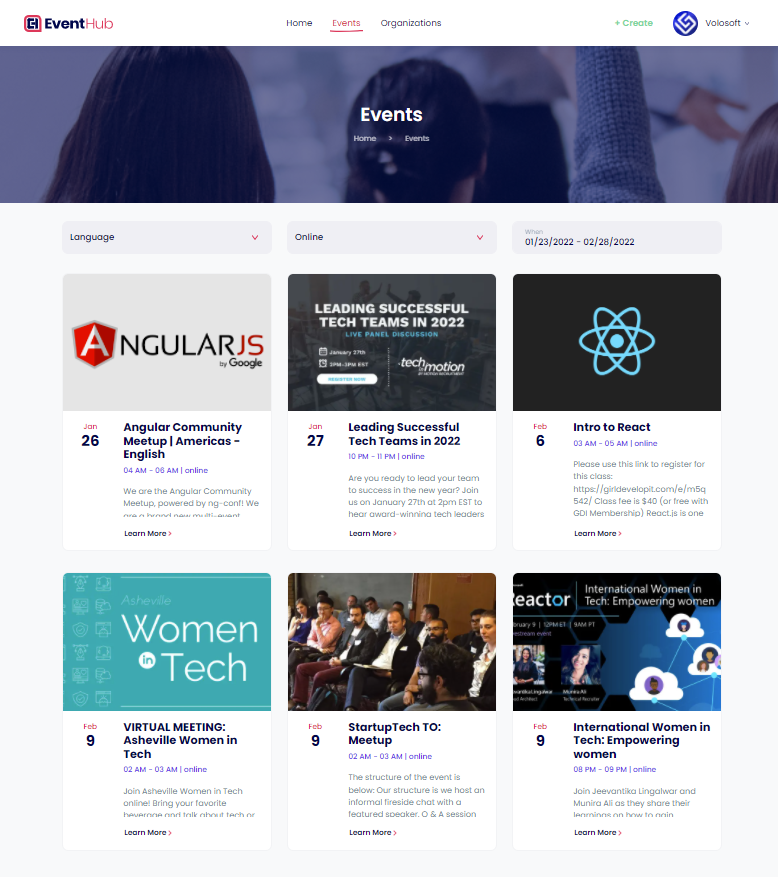
Events Page
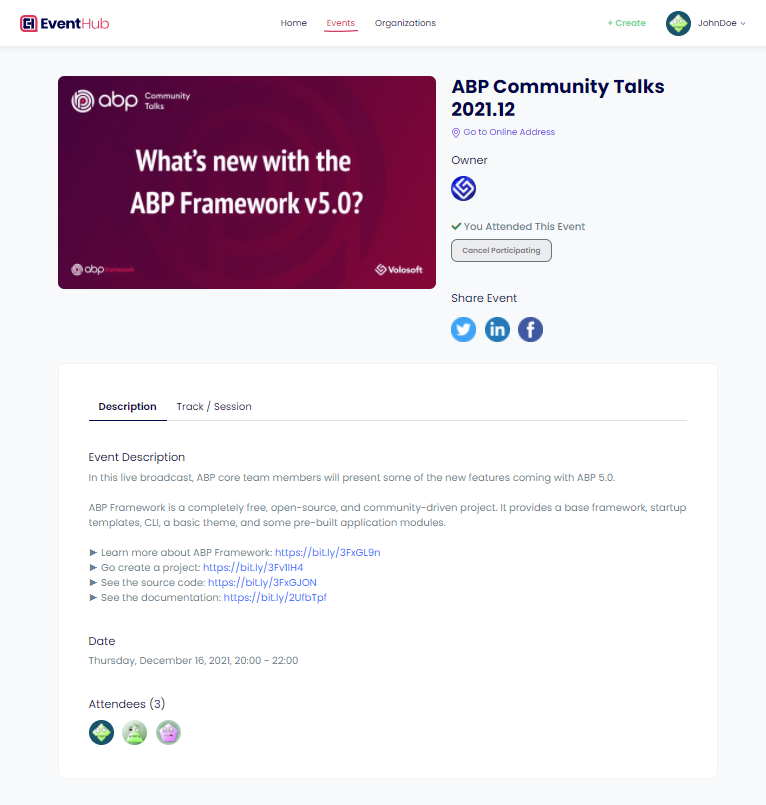
Event Details Page
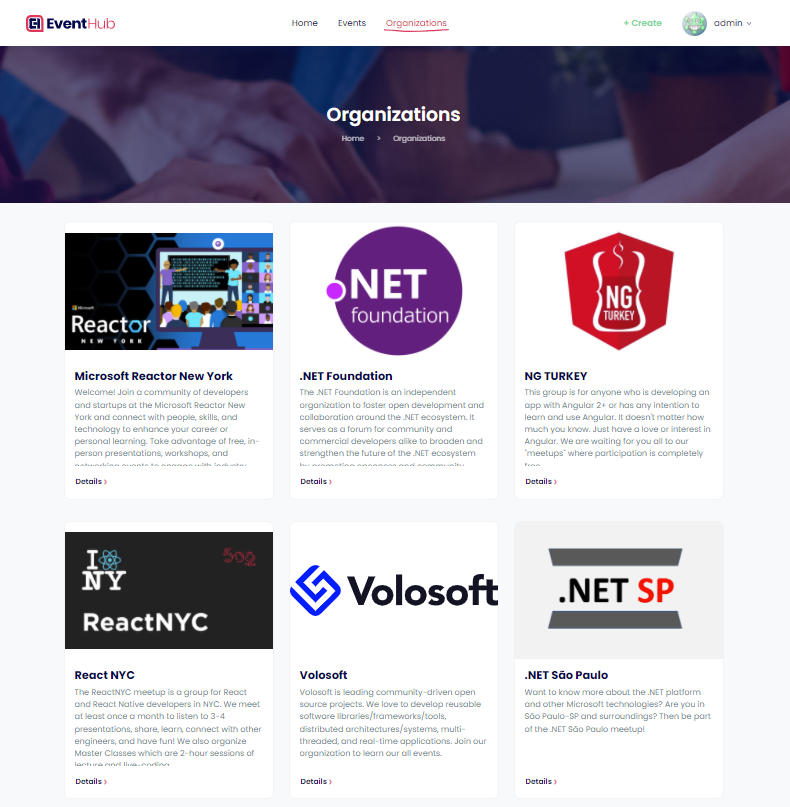
Organizations Page
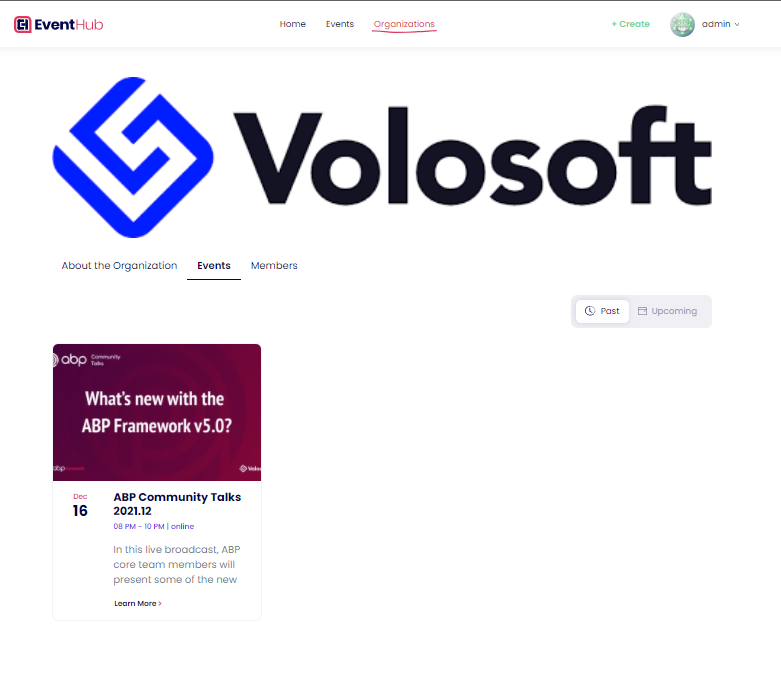
Organization Details Page
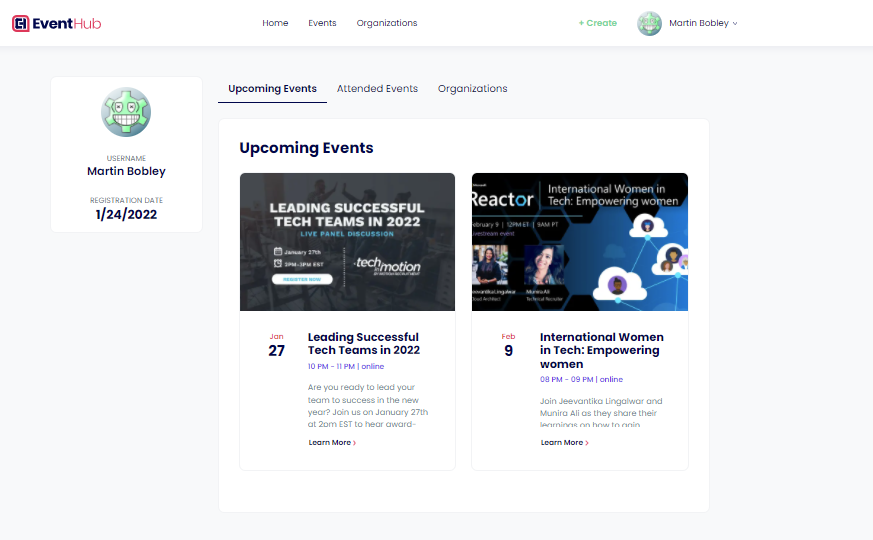
Profile Page
Payment Module Pages
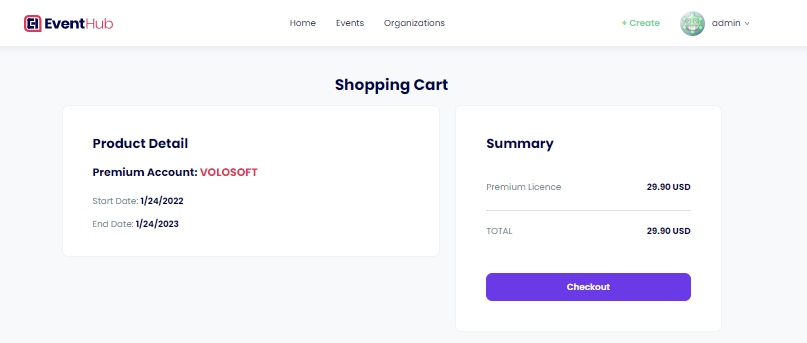
The payment module provides an API to make payments via PayPal easily. This application uses this module to perform payment transactions.
To learn more about the Payment Module and see the integration, please check out the payment module documentation.
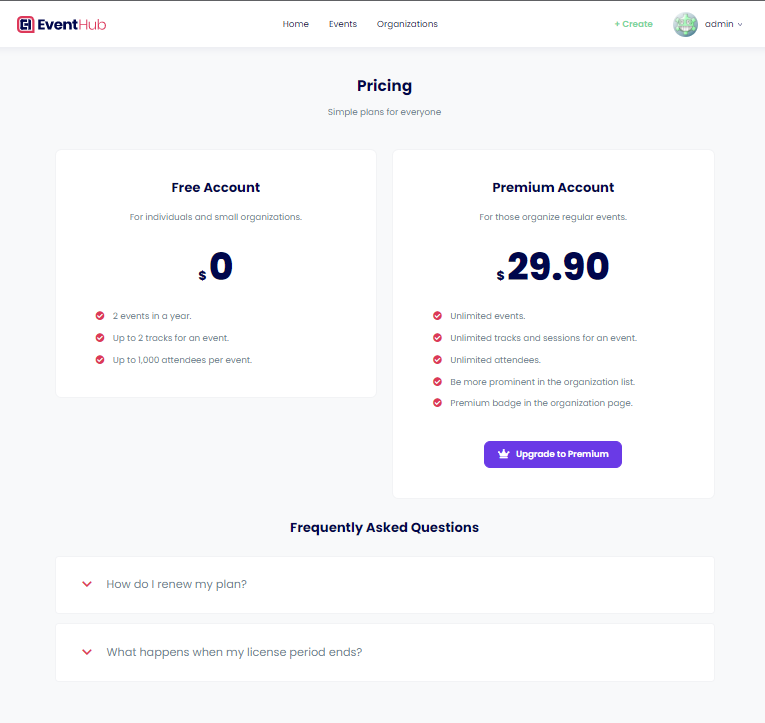
Pricing Page
Pre-Checkout Page